

Private AI image translator

Translate Image Online — AI Photo Translation in Seconds

Upload any photo, screenshot, manga panel, product image, or document scan. Choose a language and translate image text while preserving the original layout.

Private upload and deletion60+ target languagesJPG, PNG and static WebP

Upload one image first. Translation settings appear after the image is ready.

Drop an image here

Or choose a JPG, PNG, or static WebP file from your device.

Choose image

Understand text without losing the picture

What Is Image Translation?

Image translation turns text inside a photo or graphic into another language while keeping the surrounding visual context available. A useful image translator does more than produce a loose transcript: it connects each translated phrase to the sign, label, speech bubble, table cell, or product callout that gave the words meaning.

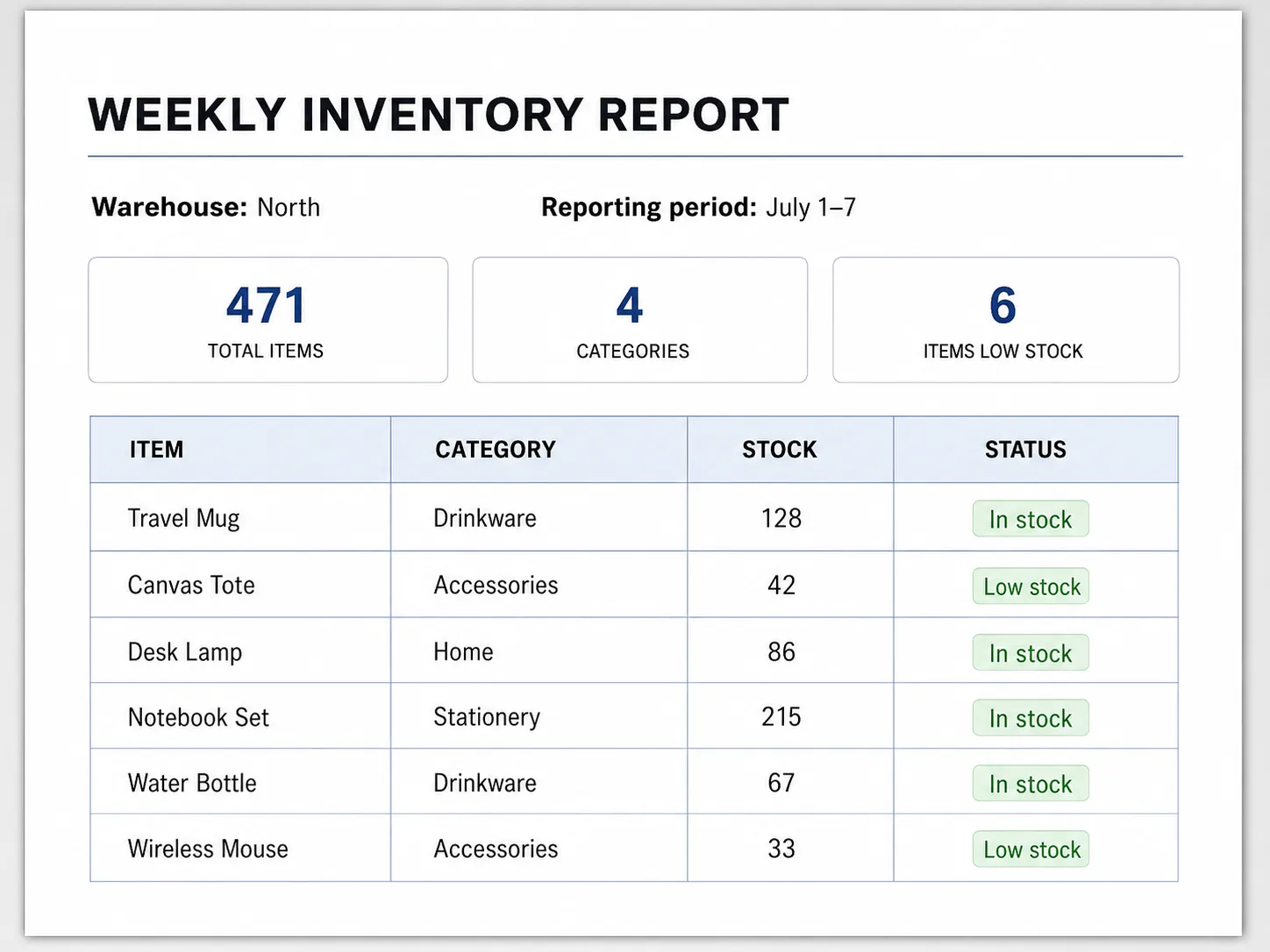
Original
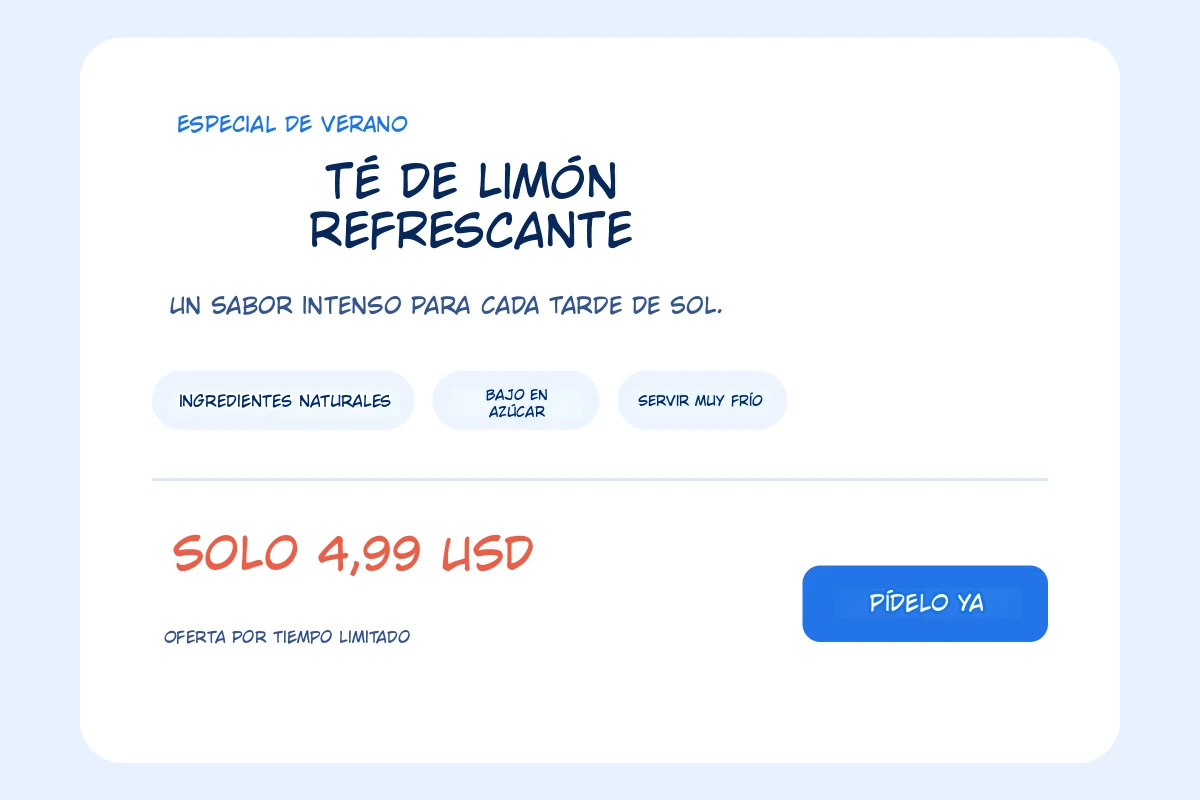
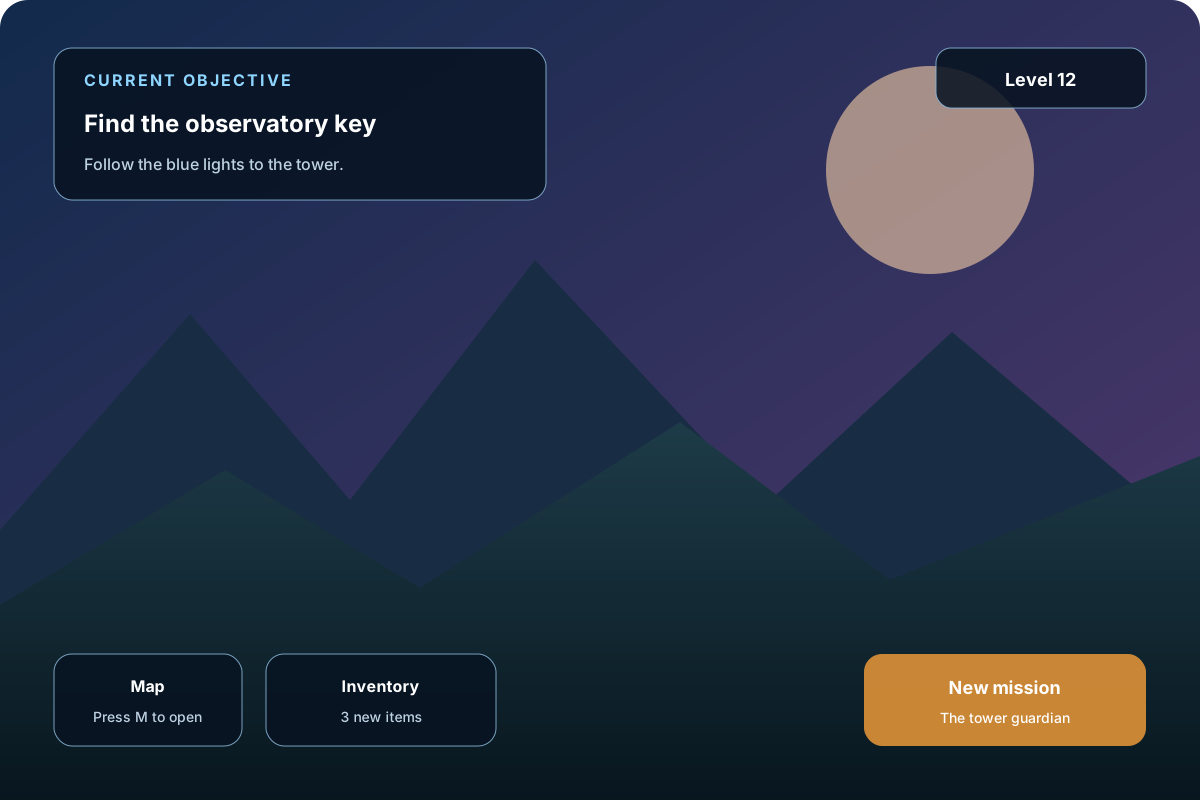
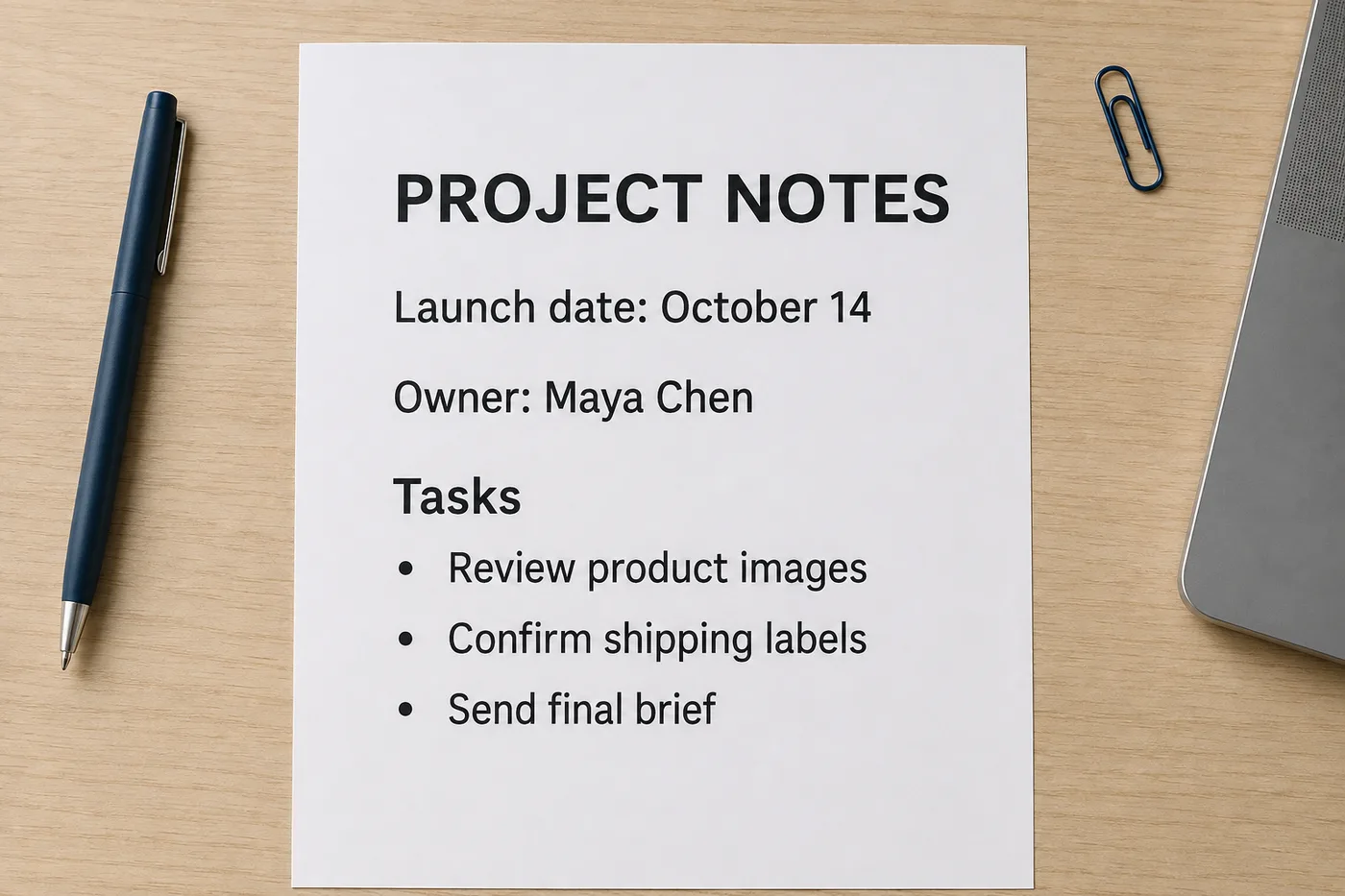
Original English document screenshot before image translation
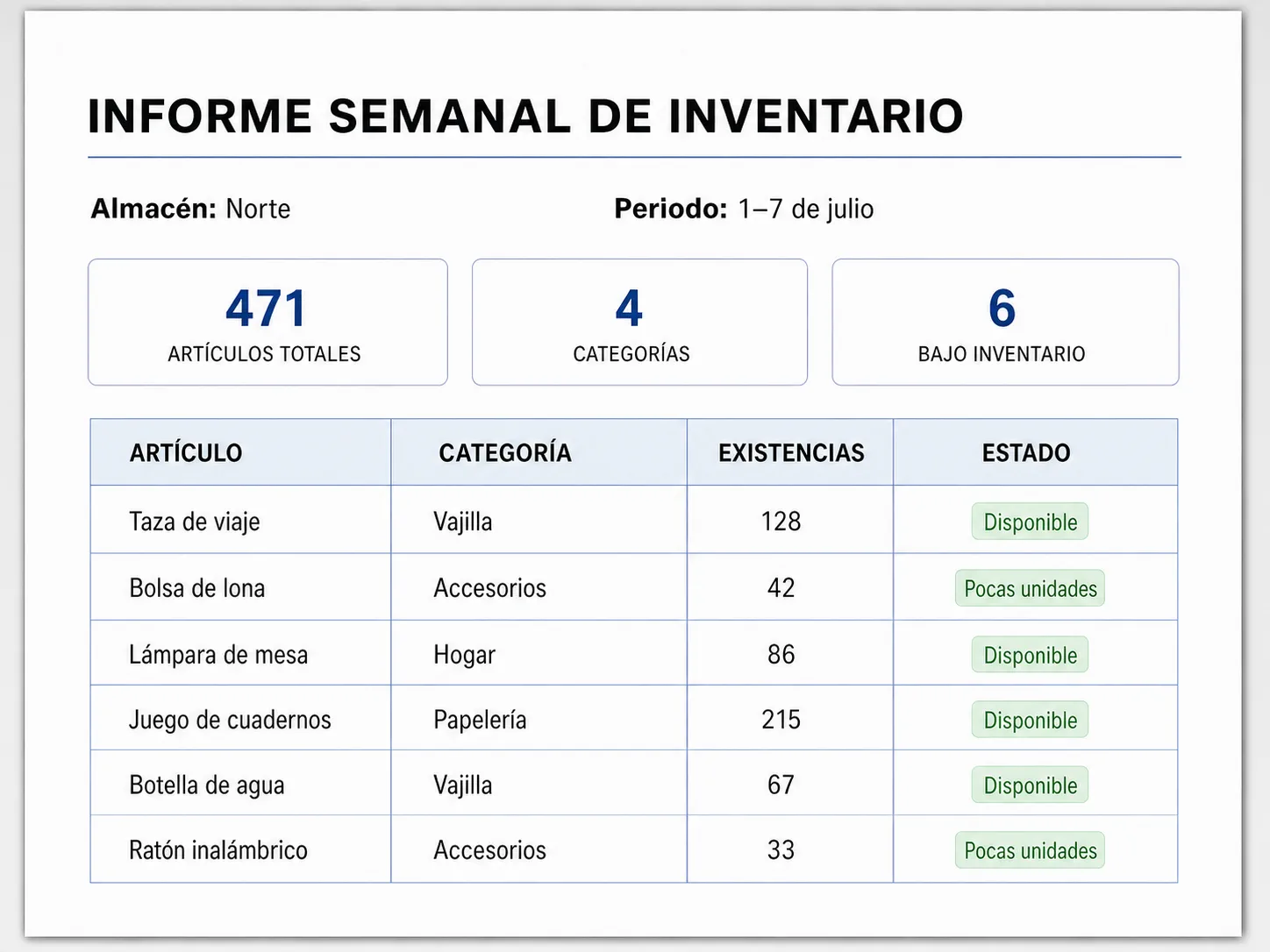
Translated
Spanish document screenshot after image translation

Keep meaning in place

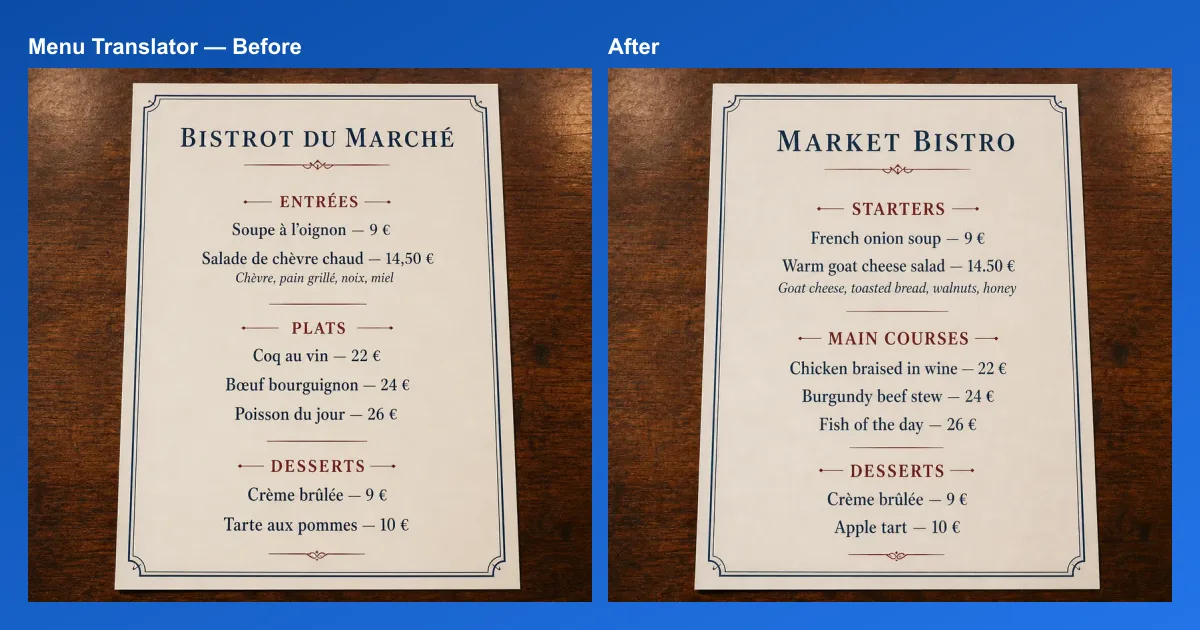
That visual relationship matters when you translate an image for publication or everyday understanding. A menu price must stay beside the correct dish, a product benefit must remain near the right icon, and manga dialogue must stay with the speaker. Positioned text blocks make the result easier to verify than a separate paragraph of copied translations.


Built for visual formats

The workflow supports photos, screenshots, posters, manga pages, product graphics, and document scans in JPG, PNG, or static WebP. It does not directly accept PDF or Word files. Images with tiny lettering, curved display type, heavy texture, or overlapping artwork may need manual wording, size, color, or placement adjustments in the editor.

Private and editable

Uploads are validated before processing and stored privately rather than published as permanent public images. After translation, you can compare the source with the translated image, inspect individual text blocks, save edits, and export at the uploaded dimensions. Plan limits determine batch size, language count, watermark, history, and commercial rights.

Real before-and-after examples

See Image Translation in Context

Switch between e-commerce, manga, and document examples. Drag each comparison from side to side to inspect how translated text fits the original visual context.

English travel mug product poster before image translation
Japanese travel mug product poster after image translation
TranslatedOriginal

English to Japanese

Translate product graphics without rebuilding the poster

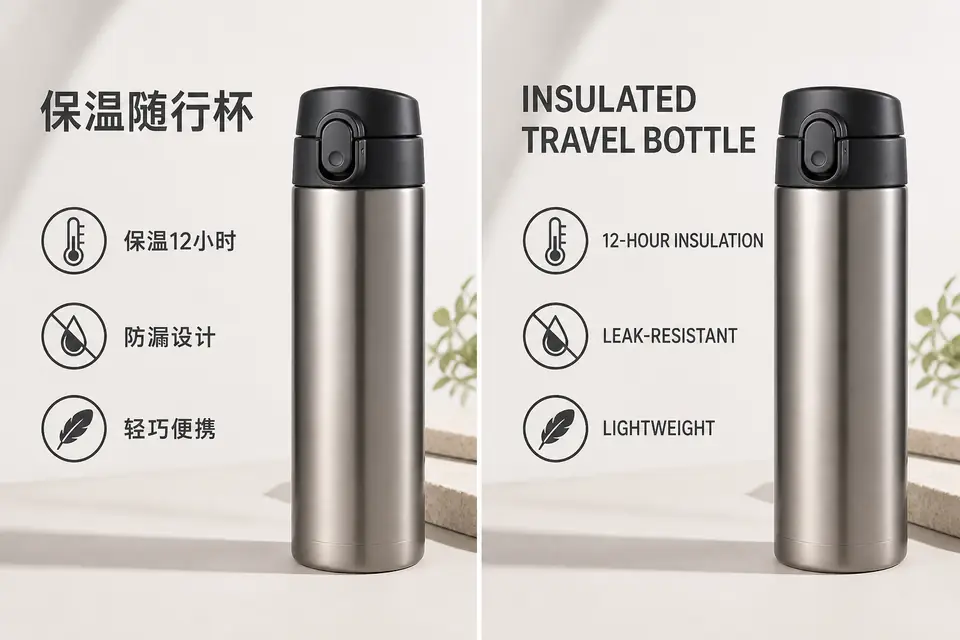
The translated version keeps the mug, price, feature icons, color palette, and purchase hierarchy in place while adapting the promotional copy for Japanese readers. This makes the before-and-after difference easy to judge as a complete shopping graphic.

Drag the handle: translated image on the left, original image on the right.

Private, editable, layout-aware

AI Image Translator Features for Practical Work

Keep visual context while moving from uploaded pixels to a translated image you can review, adjust, and export.

Private image processing

Uploads use private storage and short-lived access URLs. Your source image is processed for the job instead of being published as a permanent public asset.

Layout-aware text detection

The image translator detects reusable text regions and their approximate positions, helping each translated phrase stay connected to the visual element it explains.

Review before download

Open the translated image in the editor to correct wording, resize a text block, adjust color, or move text before exporting the final graphic.

60+ target languages

Translate image text across widely used Asian, European, Middle Eastern, and African languages without creating a separate project for every language.

Global image translation

Supported Languages & Image Formats

Translate image text across widely used languages while keeping the upload workflow focused on reliable image formats.

60+ target languages

Popular choices for product graphics, manga, screenshots, and document scans.

EnglishChineseJapaneseKoreanSpanishFrenchGermanPortugueseArabicHindi50+ more

Image formats

Direct PDF and Word uploads are not currently supported.

JPGPNGStatic WebP

How it works

How to Translate an Image in 4 Steps

Turn an image into a reviewable translated graphic through one guided browser workflow.

  1. 1

    Upload your image

    Drop a JPG, PNG, or static WebP into the uploader. The server checks the real file type, size, dimensions, and animation status before processing.

  2. 2

    Choose language and mode

    Select a target language and choose the mode that best matches a general image, product graphic, manga page, or document screenshot.

  3. 3

    Translate image text

    The service detects text regions, translates their meaning, and prepares positioned text blocks while showing progress for each requested result.

  4. 4

    Compare, edit, and export

    Drag the comparison control, review wording and placement, save any edits, then download at the uploaded image dimensions.

See the complete workflow

Watch Real Image Translation Workflows in Transpic

These short walkthroughs show the complete browser workflow for manga and e-commerce images, from batch upload and translation settings to reviewable before-and-after results.

  1. 1
    Batch upload

    Add the images you want to translate.

  2. 2
    Choose settings

    Select mode, target languages, quality, and model.

  3. 3
    Start translation

    Submit the batch and follow live result progress.

  4. 4

    Compare results

    Drag before and after, then edit or export.

Hover to play

Manga translation demo

Translate manga panels in a batch

Upload multiple manga pages, choose Manga mode, select the target languages and translation model, then review each completed page with the interactive comparison slider.

Hover to play

E-commerce translation demo

Localize product graphics for new markets

Upload product creatives, choose E-commerce mode, set the languages, quality, and model, then compare translated promotional text against the original layout before export.

Once processing finishes, open any completed image, drag the comparison handle to review the translation, edit text if needed, and export the final files.

Specialized visual content

Image Translation for Different Visual Formats

Choose a workflow that reflects how text is arranged in the source instead of treating every picture like a plain paragraph.

Photos and screenshots

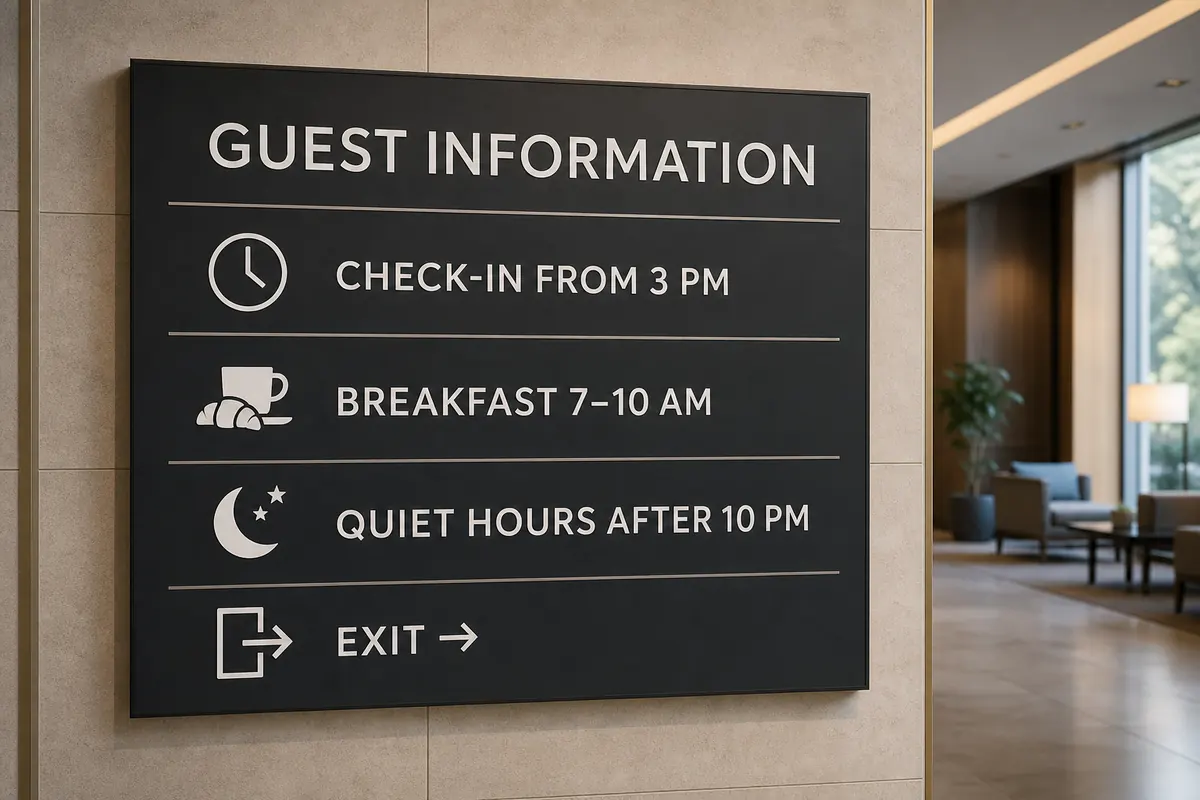
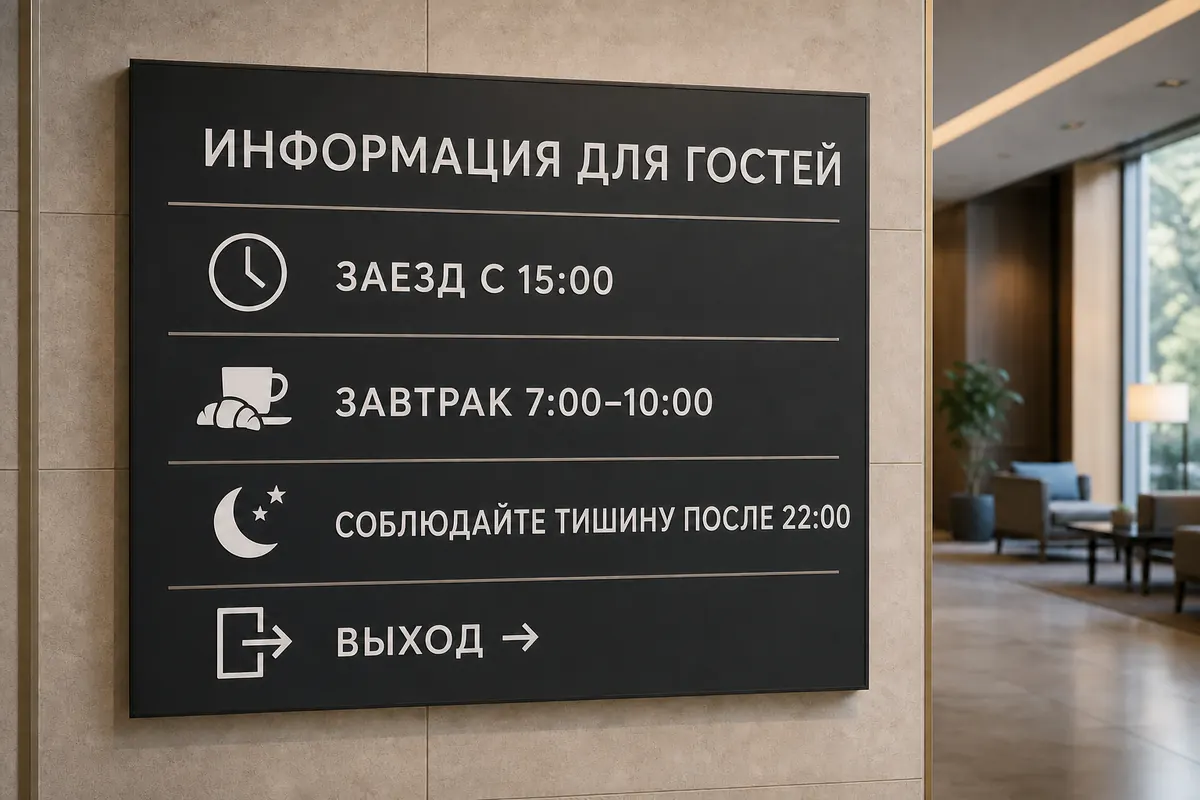
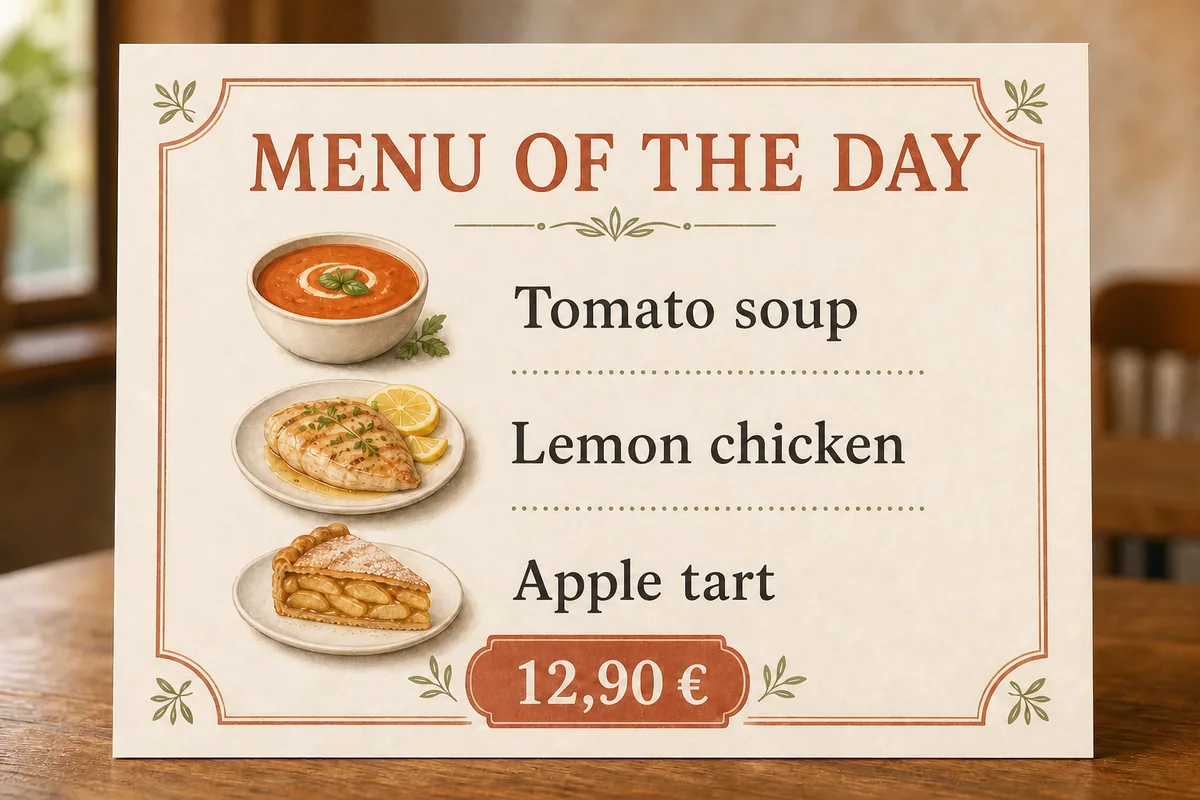
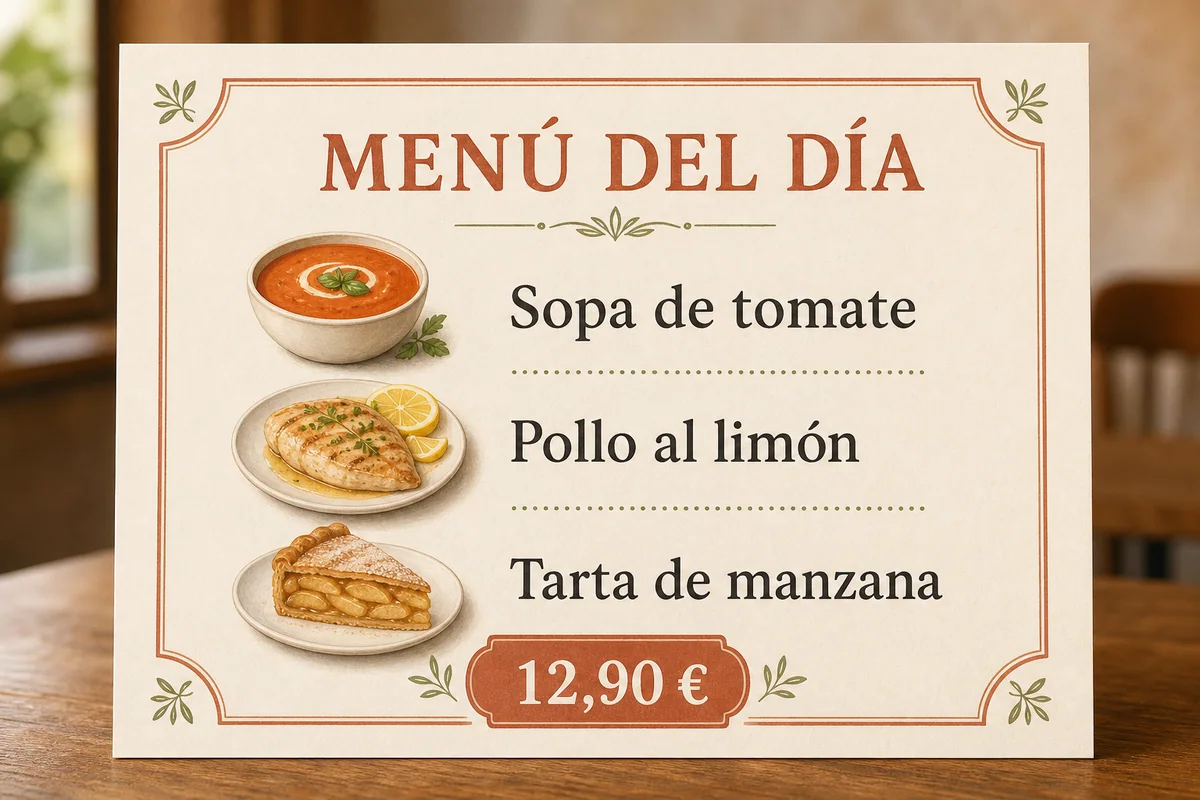
Use General mode for posters, menus, app screenshots, signs, learning material, and everyday photos with mixed text placement.

E-commerce graphics

Translate product headlines, feature callouts, prices, and purchase prompts while keeping the product photo and visual hierarchy recognizable.

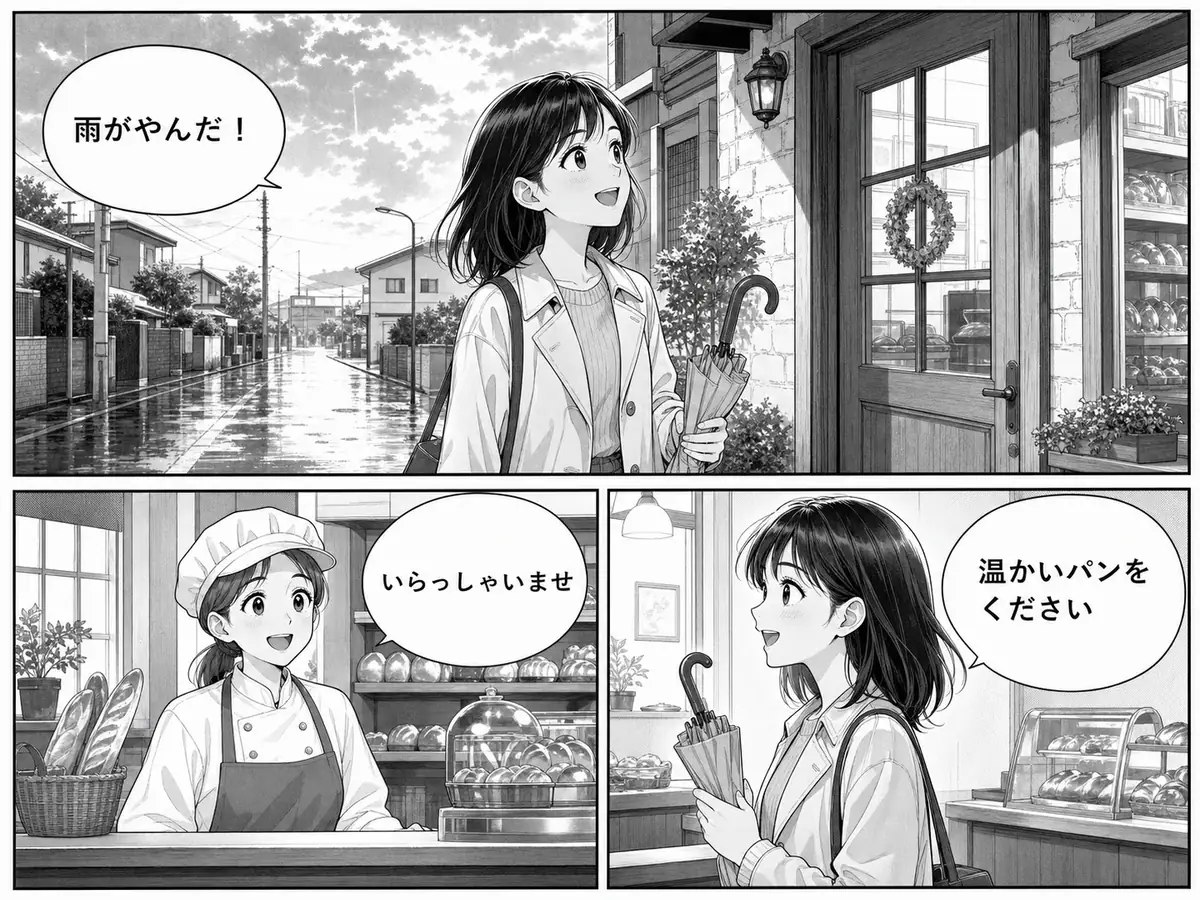
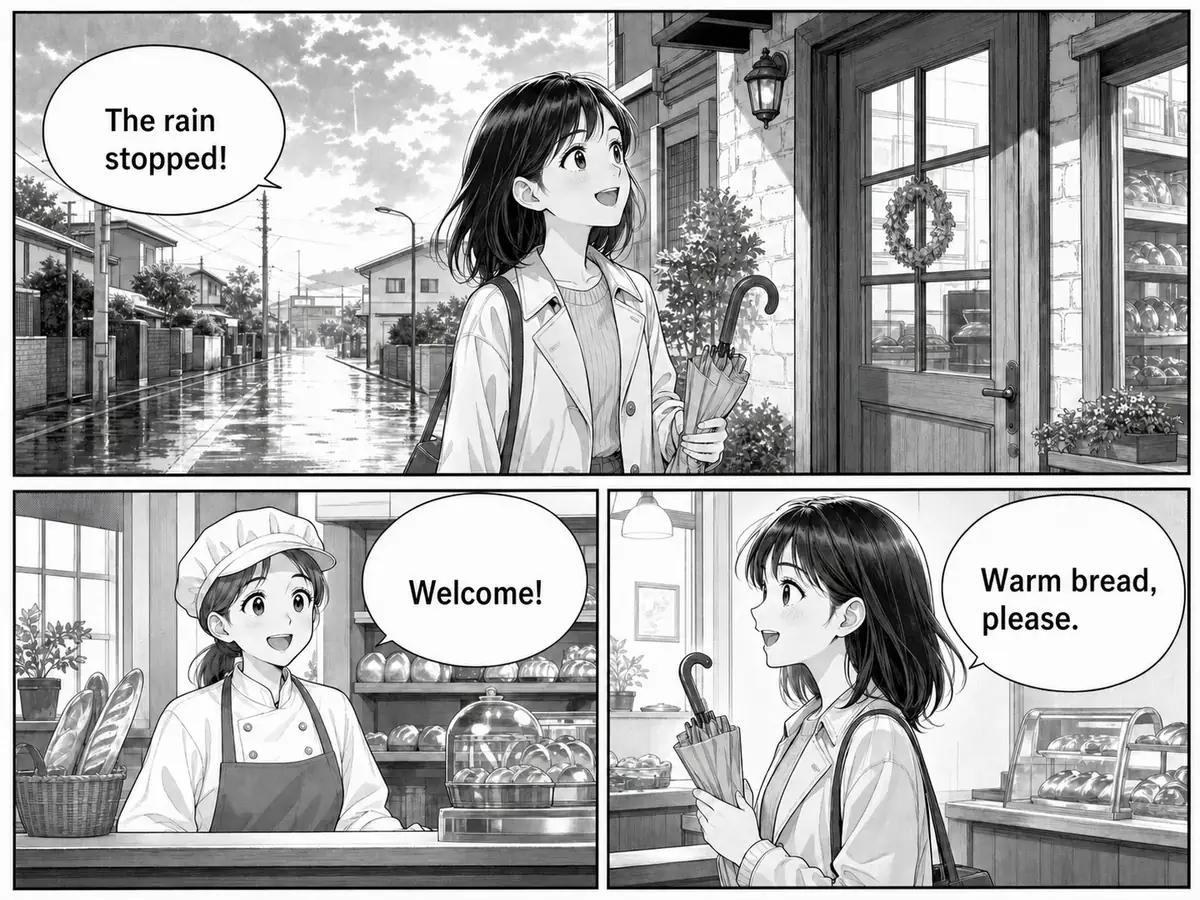
Manga pages

Handle short dialogue, speech bubbles, and panel-based reading context, then review translated text before downloading the page.

Document screenshots

Translate tables, forms, reports, and scanned pages as images while retaining rows, columns, labels, and numerical context.

Document image mode accepts scanned pages and screenshots in JPG, PNG, or static WebP. Direct PDF and Word uploads are not supported.

Simple processing plans

Pricing

Start free, then unlock watermark-free export, batch workflows, and higher translation limits when you need them.

Annual plans are billed once and include the full annual credit allowance upfront.

Free

$0

Try the AI image translator with signup and daily credits.

  • 30 signup + 10 daily credits
  • Original-size export with watermark
  • 1 target language per job
  • General mode · Fast processing
  • 7-day translation history
Start free

Starter

$8.25per month
$9.90Billed $99 yearly

For creators and sellers localizing images every week.

  • 60,000 credits upfront / year
  • 20 images · 2 languages · batch ZIP
  • No watermark · commercial use
  • General · Document image · E-commerce modes
  • 30-day history · editable results
Most popular

Pro

$16.58per month
$19.90Billed $199 yearly

Best value for professional creators and growing localization teams.

  • 144,000 credits upfront / year
  • 50 images · 5 languages · batch ZIP
  • All modes, including Manga and Custom
  • Custom prompts · all enabled translators
  • Fair batch queue · 90-day history · editable results

Studio

$66.58per month
$79.90Billed $799 yearly

Maximum capacity for studios and high-volume production workflows.

  • 600,000 credits upfront / year
  • 100 images · 10 languages · batch ZIP
  • Every Pro feature · commercial use
  • 50 MB images · highest processing limits
  • 180-day history · production-scale workflow
Powered by Stripe

Image translator help

Frequently Asked Questions

Answers about translating image text, editing overlays, privacy, credits, and exports.

Ready to translate your next image?

Upload a photo, screenshot, menu, or product graphic and get editable translated text near the original position.

Translate Image Free