Auto
Recommended. Let the manga translator detect text orientation and placement, then review each editable block before download.
AI MANGA TRANSLATOR
Manga Translator turns Japanese manga into readable English or another language without separating dialogue from the artwork. Upload a page, choose Manga mode, and the manga translator returns speech bubbles, vertical text and sound effects as an editable, layout-aware result you can review before downloading.
Translation mode
Start with General or choose Manga mode
Plan access
PRO or Business plan required
Upload one image first. Translation settings appear after the image is ready.
Drop an image here
Or choose a JPG, PNG, or static WebP file from your device.
On a supported phone, Take a photo opens the rear camera so you can capture the menu or image directly.
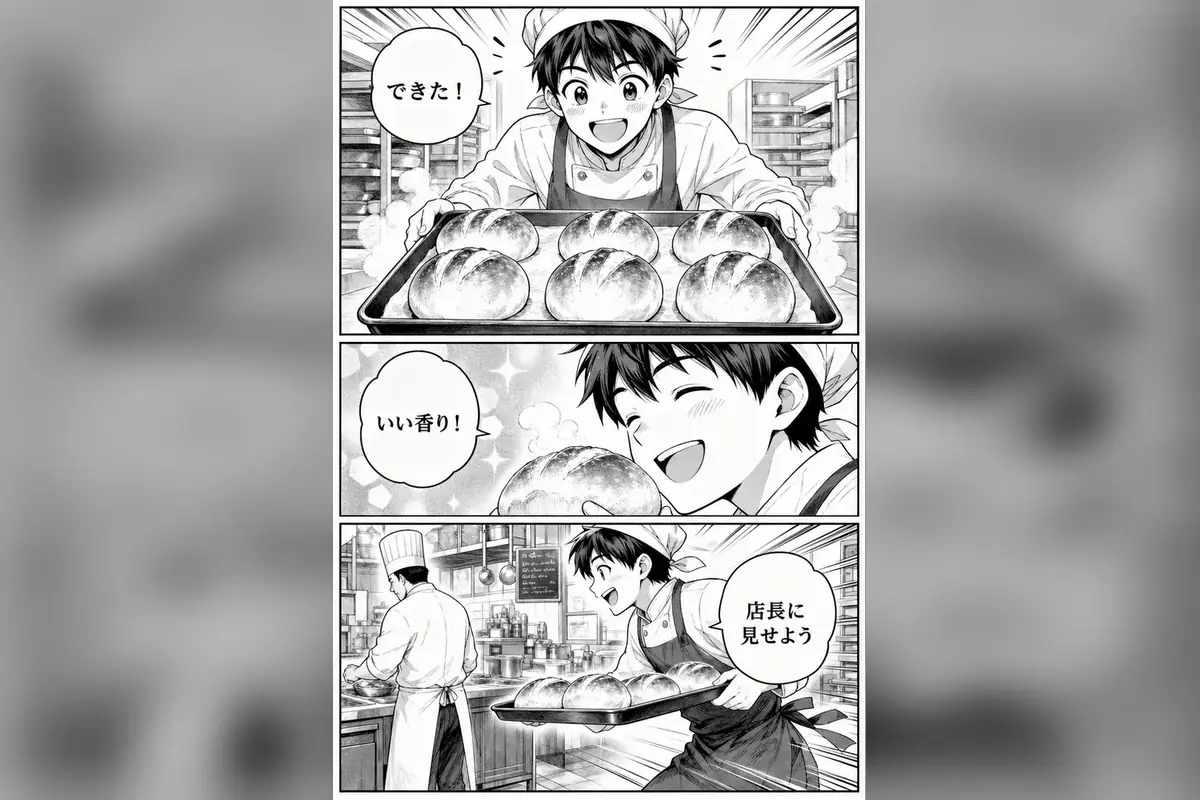
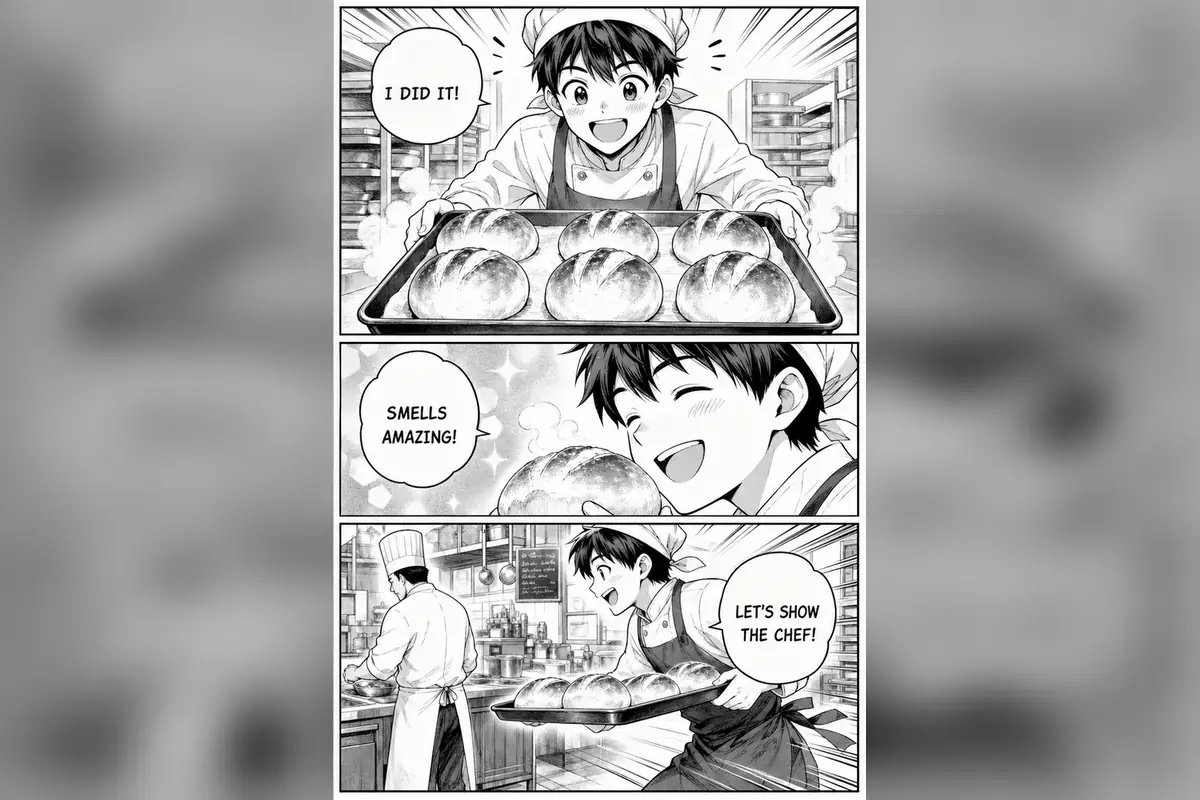
Concise English that still fits the bubble
The manga translator keeps concise English inside small speech bubbles instead of returning a detached OCR transcript. When a line still overflows, shorten the wording in the editor, reduce the font size a step, or split the sentence across two balloons the way a letterer would.
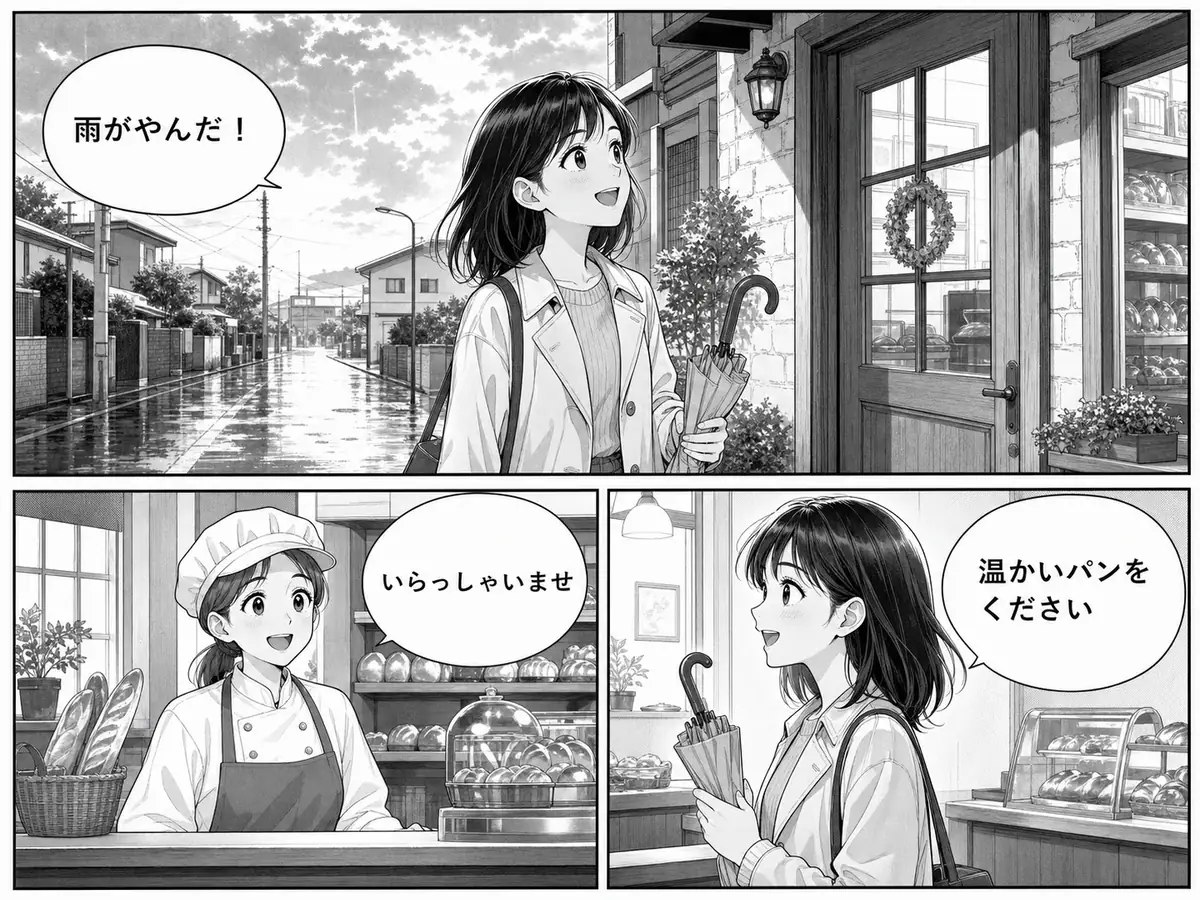
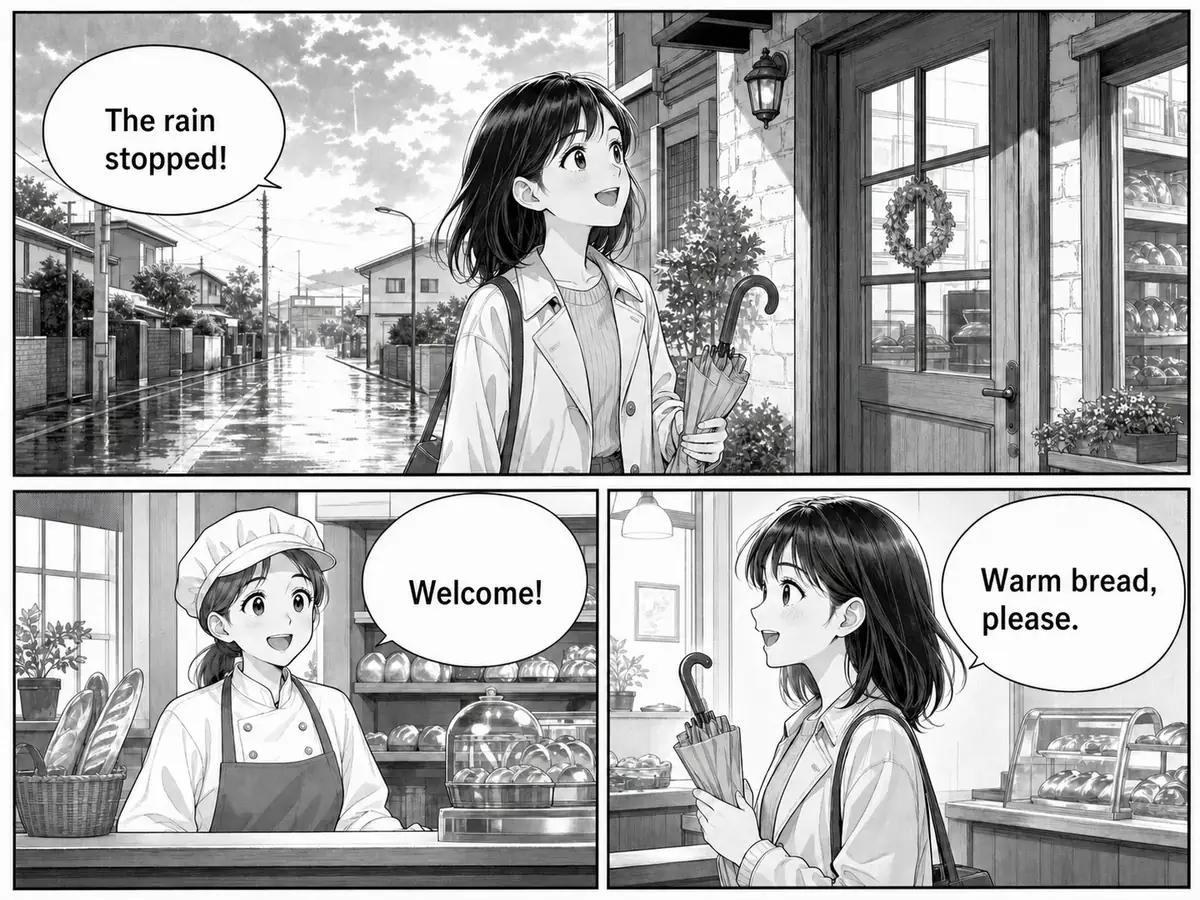
BUBBLES, NOT A TEXT DUMP
Drag the divider to compare a Japanese manga page with its English result. The dialogue is replaced inside the existing bubbles so the artwork and reading experience remain recognizable.
AUTOMATIC PAGE-LAYOUT GUIDANCE
Layout handling stays on Auto. These labels help you match the source page to a suitable workflow; no extra comic-type selection is required before translation.
Recommended. Let the manga translator detect text orientation and placement, then review each editable block before download.
Built for raw manga pages with vertical Japanese dialogue, compact bubbles and right-to-left visual storytelling. The detector reads vertical columns top to bottom, keeps honorifics attached to character names, and treats sound-effect lettering differently from normal speech so a translated line stays short enough to fit a narrow bubble without shrinking the art.
Use clear screenshots or exported sections from vertical, full-color stories with Korean, Chinese or mixed horizontal dialogue. Webtoon panels usually have larger type than print manga, so recognition is often easier; the main things to review are speaker attribution in long chat-style bubbles and colored gradients behind the text.
Translate horizontal dialogue, caption boxes and conventional speech bubbles while keeping the original panel artwork visible. Western comics often use uppercase lettering and tight balloon tails, so check that names, onomatopoeia and small caption text stayed attached to the right panel after translation.
REAL READER PROBLEMS
Drag every comparison to inspect five common tasks: a complete page, compact bubble wording, vertical dialogue, reading order and artistic sound effects.
Compare the full page to confirm that translated dialogue remains connected to the correct character and panel. A complete-page check also catches translated narration placed into the wrong caption box and lets you verify that the reading order still guides the eye through the story correctly.
The manga translator keeps concise English inside small speech bubbles instead of returning a detached OCR transcript. When a line still overflows, shorten the wording in the editor, reduce the font size a step, or split the sentence across two balloons the way a letterer would.
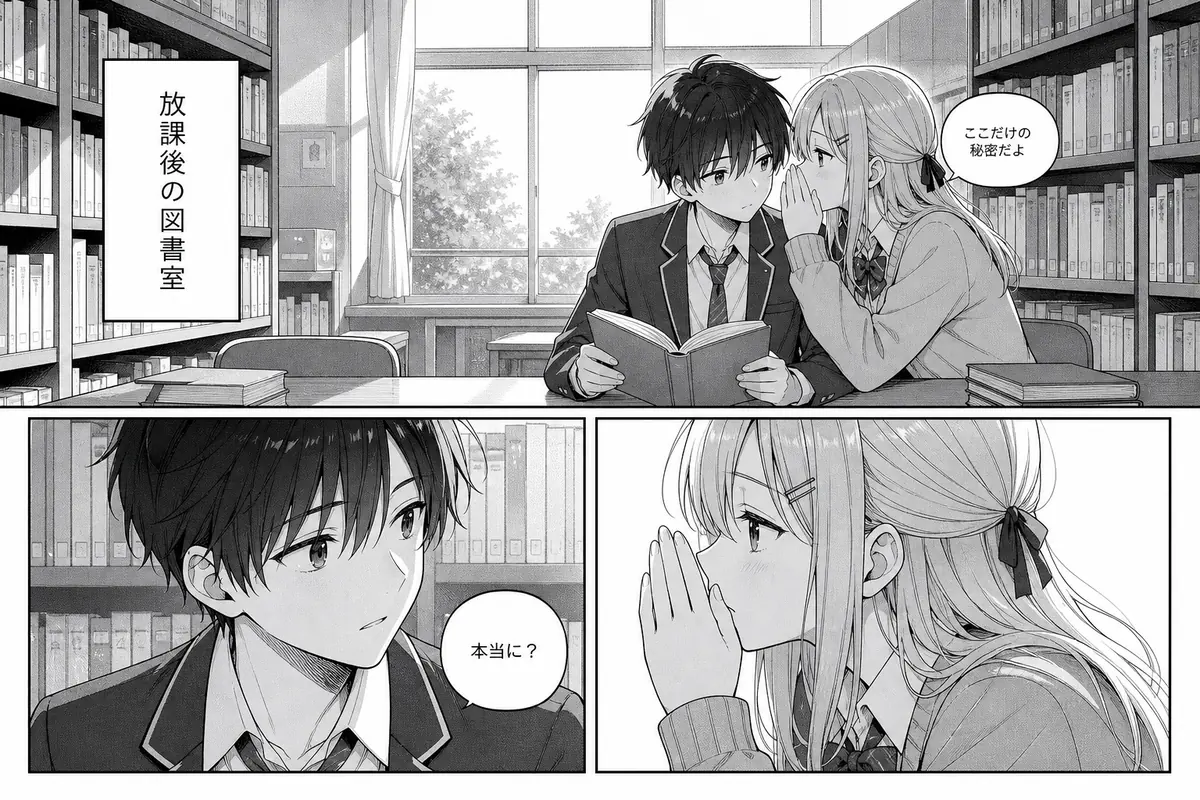
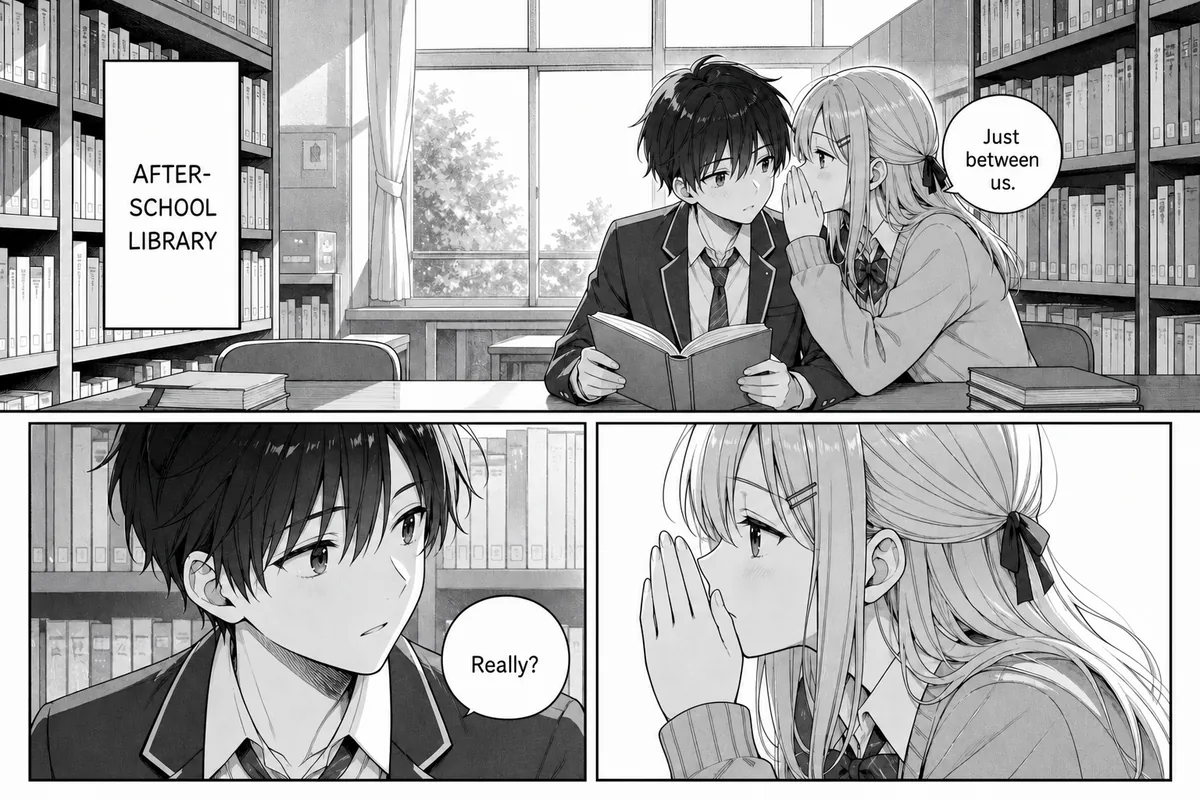
Tall captions and vertical speech can be detected without rotating or manually reformatting the source page first. If a vertical line is stylized, heavily brushed, or overlaps artwork, the safest workflow is to crop that region, translate it separately, and merge the result during review.
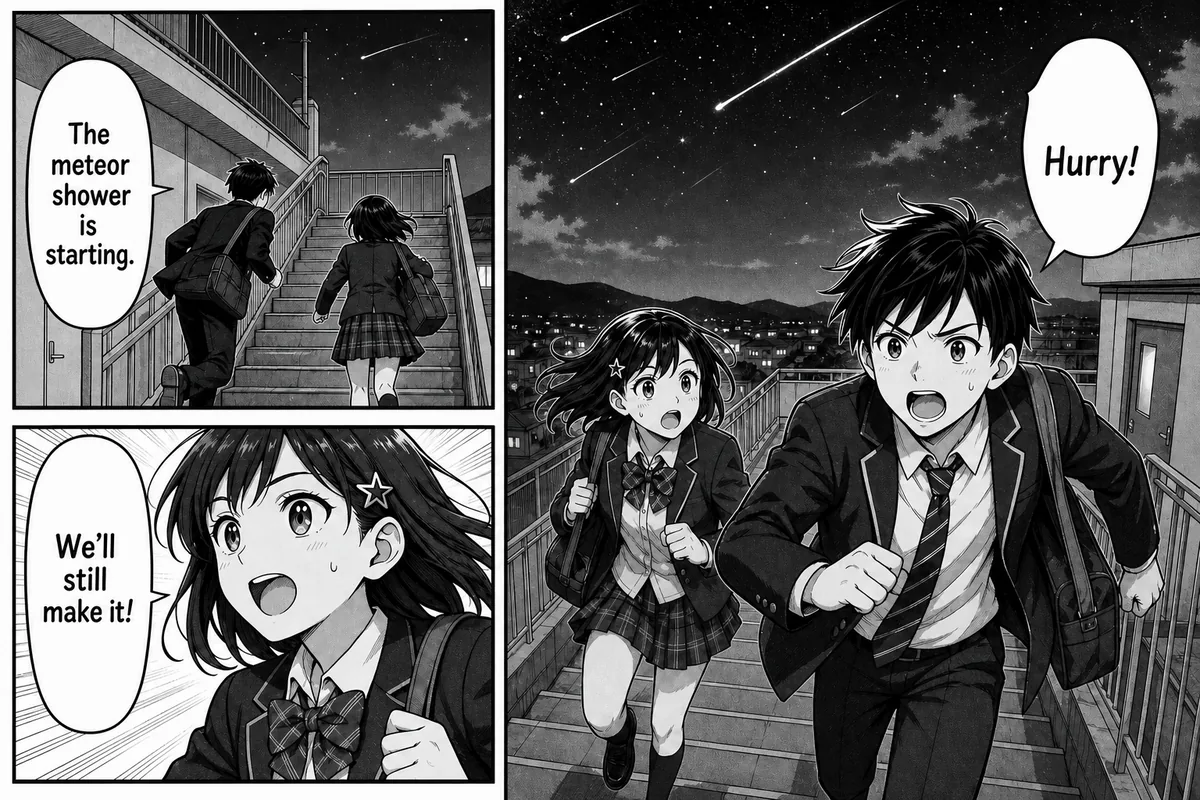
A multi-panel scene helps readers verify who speaks first and whether every translated line remains attached to the right balloon. Reading order matters most in crowded exchanges: when two characters argue across a spread, a misplaced line can flip who said what, so drag the comparison across each panel before exporting.
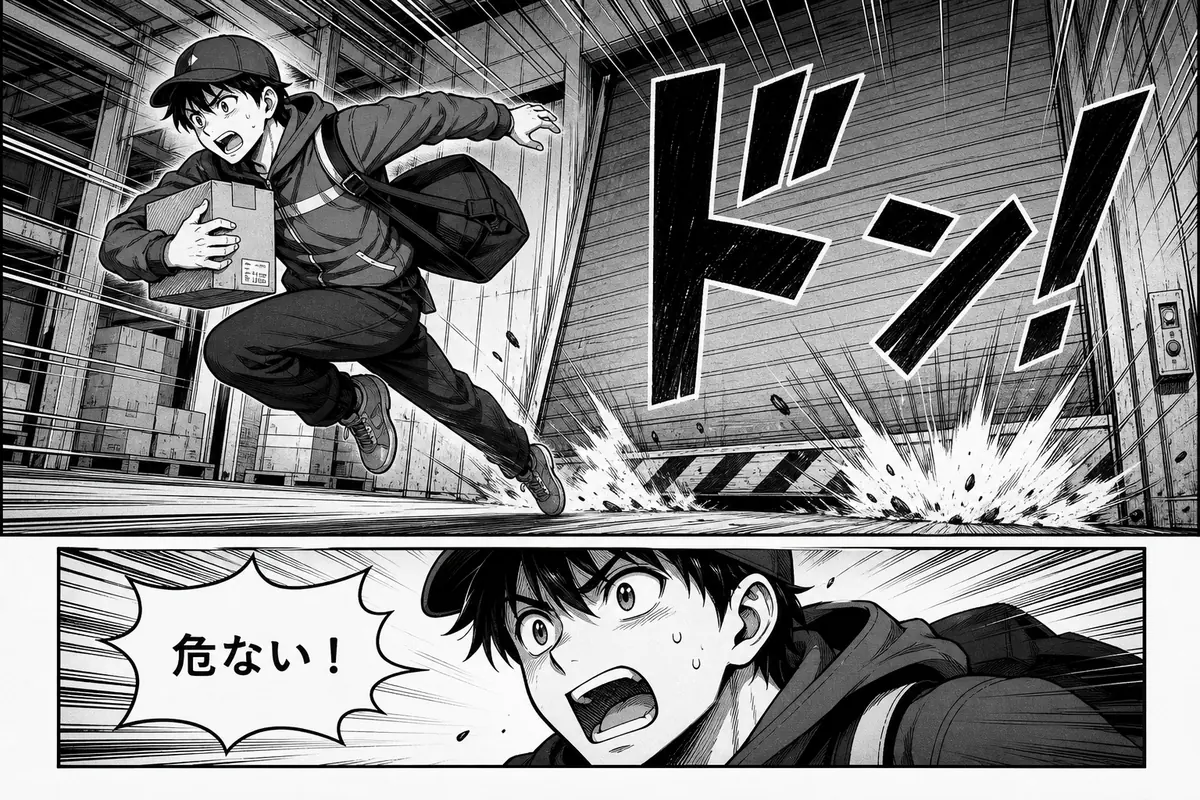
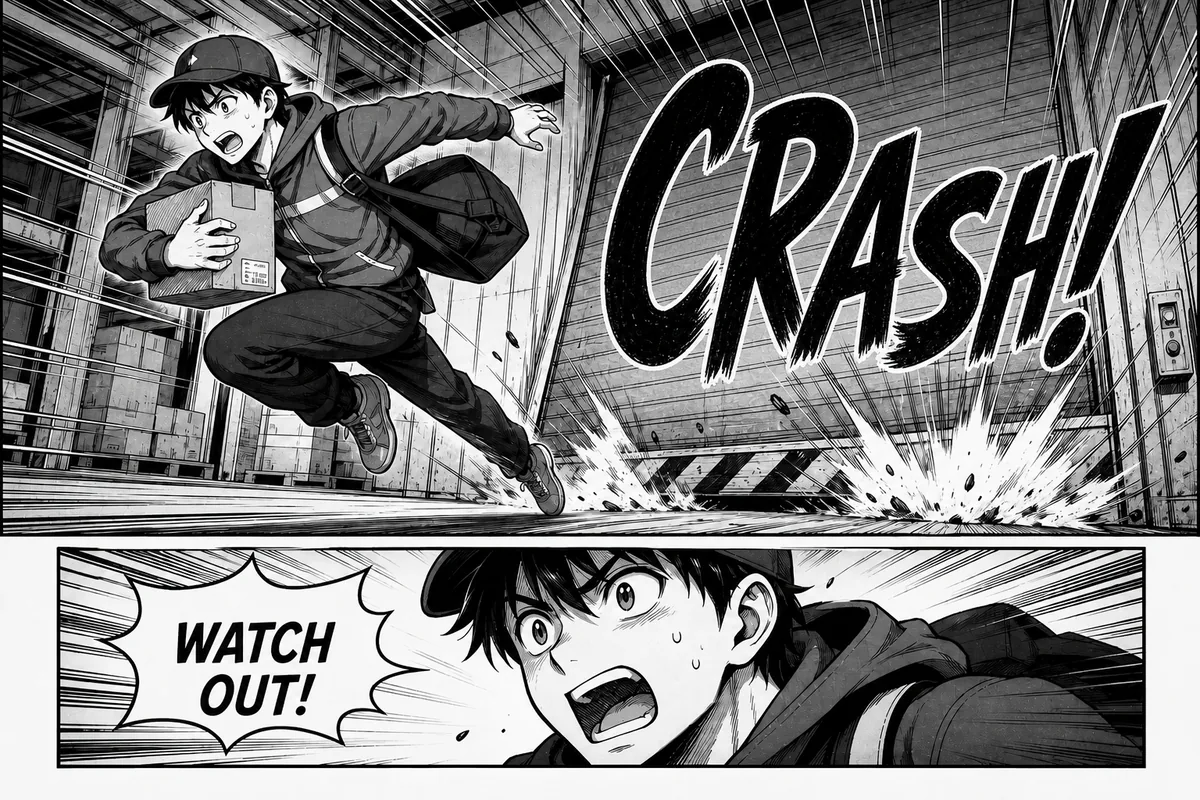
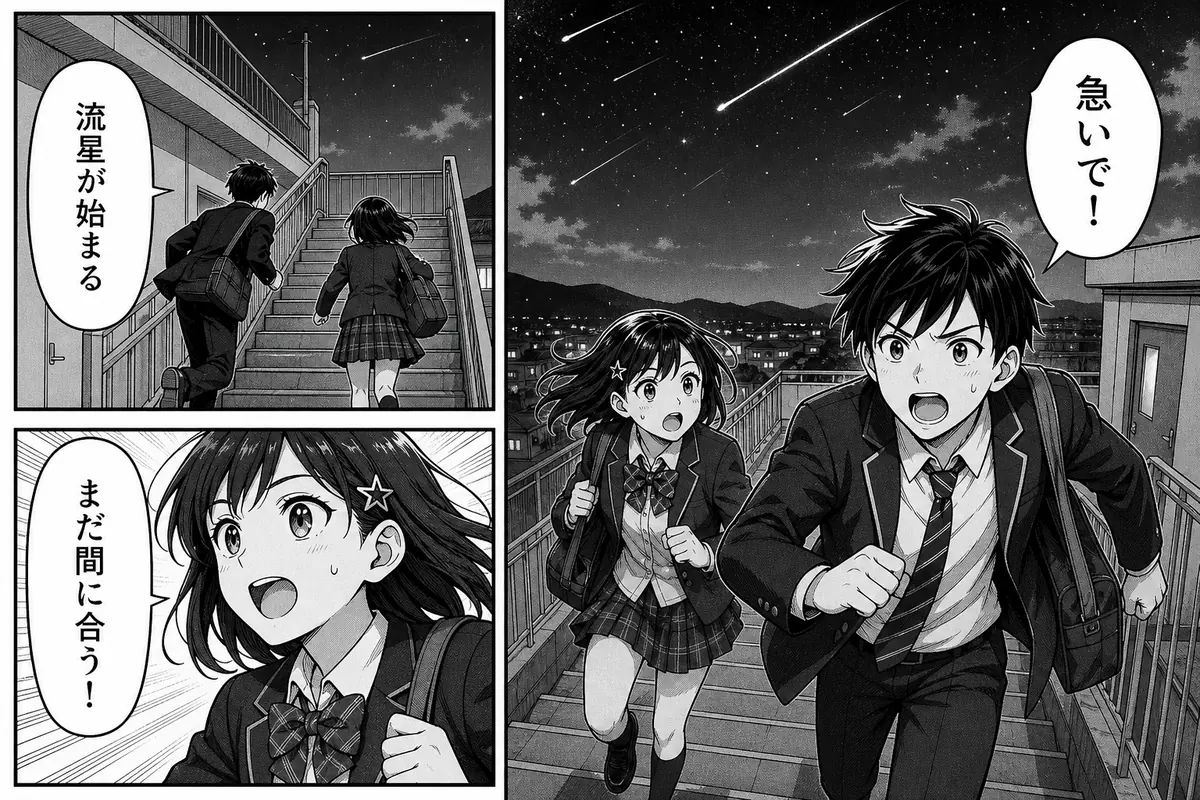
The translated result localizes both the warning dialogue and the large impact sound while preserving the action, panel borders and ink style. Artistic sound effects often double as artwork, so keeping the original Japanese SFX can look more natural than replacing it — decide per page and fix stray edges in the editor.
WHY READERS UPGRADE
General mode is available for a quick preview. PRO and Business readers can select Manga mode for a workflow tuned to dialogue bubbles and comic lettering.
Focus recognition on dialogue bubbles instead of treating every visible mark like ordinary document text.
The translator is instructed to preserve emotion, humor, names, voice and concise speech-bubble phrasing without inventing dialogue.
Comic lettering and text outlines remain consistent, while returned font size, color, stroke and placement stay available as the editing baseline.
Compare the page, select each translated block, edit wording or size, add a missed block and download the finished image.
THREE-STEP WORKFLOW
Choose a JPG, PNG or static WebP. Clear, high-resolution bubbles improve detection of vertical and small text. A page scanned from a printed volume should stay flat and unwrinkled, and phone photos work best when the frame covers the full page with a little margin on every side.
Use General for a quick preview, or select the PRO manga translator option for bubble-focused recognition and comic typesetting. Keep the target language set to the one you actually read, because a second target creates a separate result and doubles the credit cost for the same page.
Check names, pronouns, reading flow and long lines. Edit individual blocks while preserving the returned comic lettering and placement, and pay extra attention to the first exchange between two similar-looking characters — that is where a mixed-up speaker is hardest to spot later.
MANGA TRANSLATOR FAQ
LIVE TOOLS
Use General mode for signs, screenshots, documents and images where you want broader page-text detection.
Use the English-focused tool for non-manga photos, product graphics, social posts and scanned instructions.
Review credits, image limits, batch capacity, history and the plans that unlock the PRO manga translator workflow.
Open the manga translator, choose the language you want to read, and review the translated bubbles before downloading the page.
Open Manga Translator