Yandex Image Translate - How It Works and Alternatives
By Transpic Editorial · Aug 20, 2026
Yandex Image Translate is useful when you need to quickly understand text inside a photo, screenshot, sign, menu, or other image.
Instead of copying the text manually, Yandex can detect text inside the image, translate it, and display the translated words directly over the original picture.
That makes it especially convenient for situations such as traveling, reading foreign menus, understanding screenshots, or checking text on product packaging.
But there is an important difference between reading a translated image and creating a finished translated image.
If you only want to know what a sign says, an overlay can be enough.
If you need to correct the translation, keep the original layout, export the image, or reuse it for work, publishing, e-commerce, or content creation, you may need a different workflow.
This guide explains how Yandex image translation works, where to find it, what it does well, where the limitations appear, and when a layout-preserving image translator such as Transpic may be a better fit.
Last tested: 20 August 2026.
This page is an independent guide and is not affiliated with Yandex.
Where to Find Yandex Image Translation
Yandex image translation is not limited to one single workflow.
Depending on the device and situation, you may encounter image translation through the Yandex Translate website, the mobile app, or Yandex Browser.
Each option solves a slightly different problem.
Yandex Translate on Desktop
The desktop version is useful when the image is already saved on your computer.
For example, you may have:
-
a screenshot from another website,
-
a photo of a sign,
-
a restaurant menu,
-
a product image,
-
an instruction sheet,
-
a social media graphic.
You upload the image, choose or detect the source language, select the target language, and wait for Yandex to process the image.
The translated text is then displayed over the image.
This is useful because you can understand the content without manually copying every sentence into a normal text translator.
Yandex Translate on Mobile
The mobile workflow is designed more around immediate translation.
If you are standing in front of a sign, menu, poster, ticket machine, or package, you can use the phone camera to recognize the text.
That makes mobile image translation particularly useful while traveling.
Instead of creating a new translated image, the goal is usually much simpler:
What does the text in front of me say?
Image Translation in Yandex Browser
Yandex Browser can also provide translation options for images displayed on webpages.
This is useful when you find an image online and want to understand it without first downloading it and opening a separate tool.
The important point is that these workflows are not identical.
Use desktop upload when you already have a file.
Use the mobile camera when the text is physically in front of you.
Use browser image translation when the image is already on a webpage.
How to Use Yandex Image Translator on Desktop
The desktop workflow is generally straightforward.
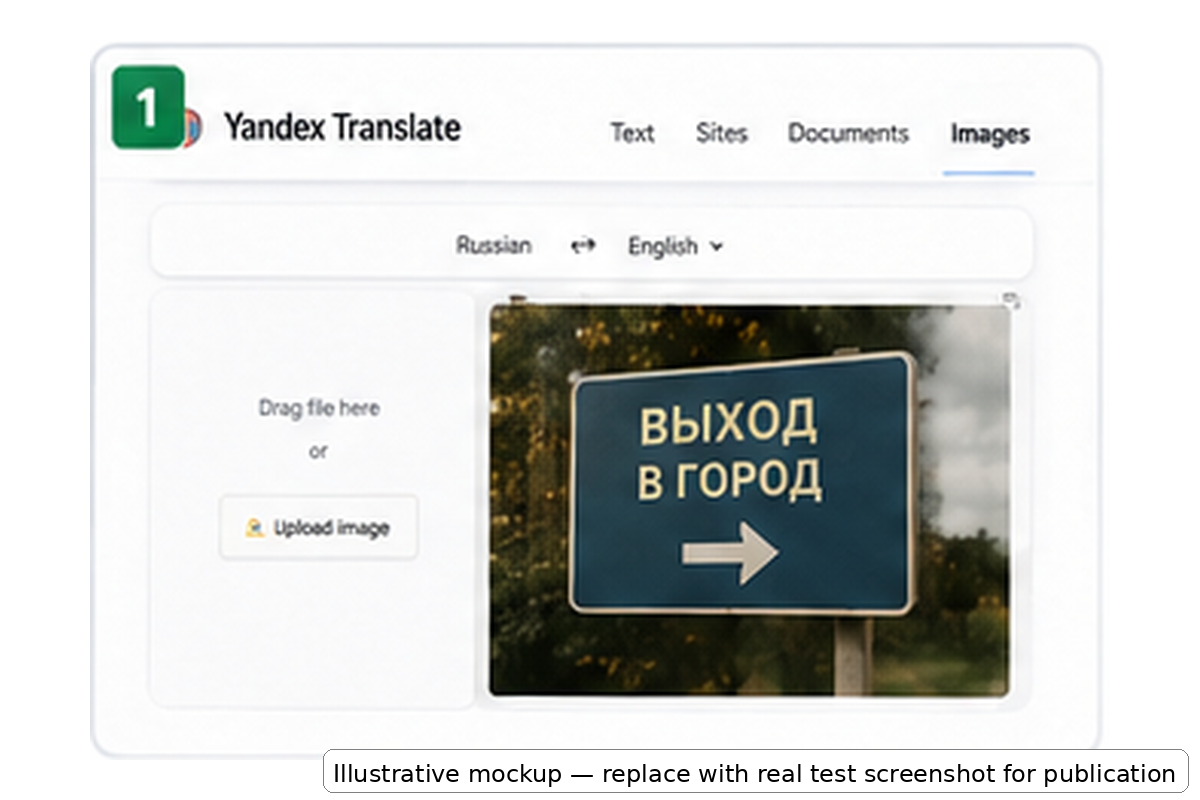
Step 1: Upload the Image
Open the Yandex image translation interface.
Upload the photo or screenshot you want to translate.
Depending on the interface, you may be able to select a file or drag the image into the upload area.
Common image translation examples include screenshots, product labels, signs, menus, and documents containing visible text.
Step 2: Select the Source and Target Language
Yandex may attempt to detect the source language automatically.
Automatic detection is convenient, but it is worth checking the result before assuming the translation itself is wrong.
Mixed-language images can make detection harder.
For example, a screenshot may contain:
-
Chinese interface text,
-
English product names,
-
numbers,
-
abbreviations,
-
icons,
-
usernames.
If necessary, choose the source language manually.
Then select the language you want the image translated into.
For users who need an English result, Transpic also provides a dedicated Translate Image to English workflow.
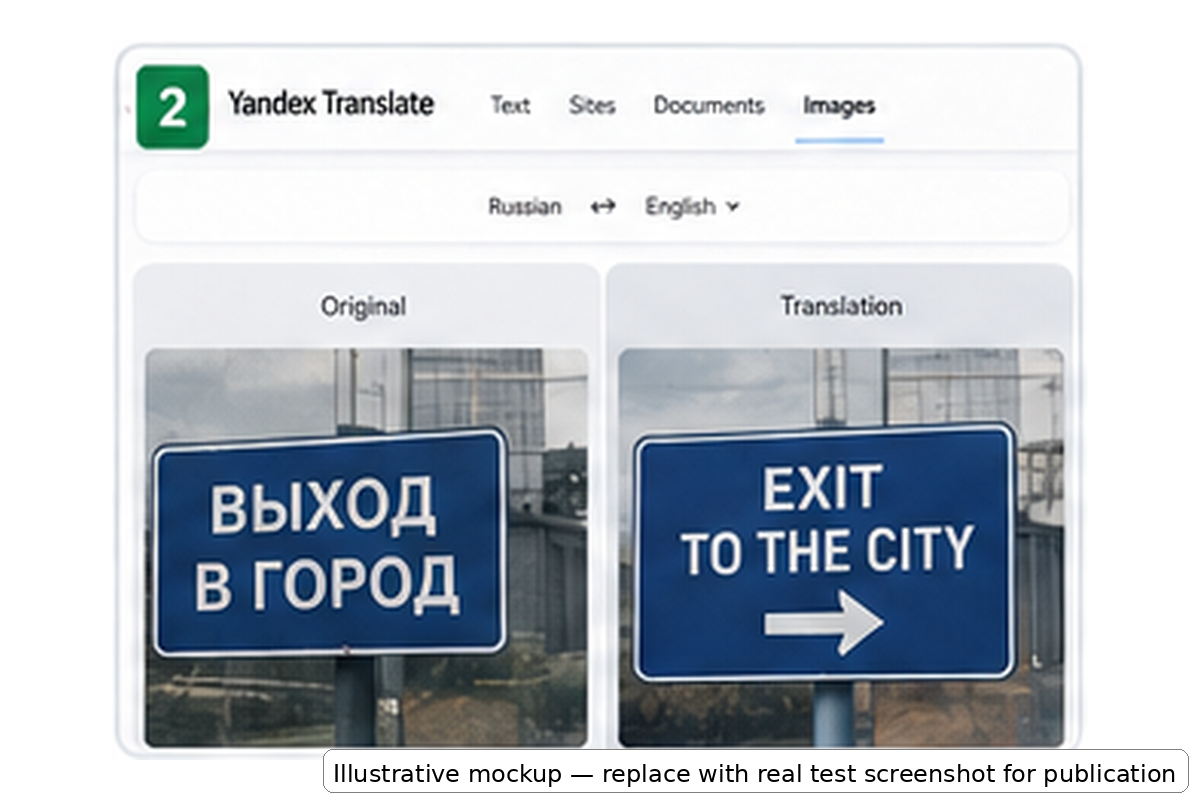
Step 3: Review the Original and Translated Result
After processing, Yandex displays the translated result over the original visual content.
This is where the main strength of the tool becomes obvious.
You do not need to manually identify each line of text.
You can immediately look at the image and understand much of what it says.
This is excellent for fast comprehension.
However, the translated words are primarily there to help you read the image.
That is different from having editable text layers inside a finished translated design.
Step 4: Download the Result
If the current desktop interface offers a download option, you can save the translated output.
This is useful if you simply want to keep a copy of what you translated.
However, a downloaded translated image is still different from a fully editable translated image.
If one sentence is incorrect, you may not be able to simply click that line, change one word, and export the image again.
This difference matters when your goal changes from:
“Help me understand this.”
to:
“Give me a translated image that I can edit and reuse.”
For the second type of task, you can use Transpic Image Translator instead.
How to Use Yandex Image Translation on a Phone
The mobile experience is particularly useful for translation in the real world.
Step 1: Open Camera Translation
Open the Yandex translation app and enter the camera or image translation function.
Choose the source and target language if needed.
Step 2: Point the Camera at the Text
Point the phone toward the sign, menu, package, poster, or other text you want to understand.
The app can recognize visible text and display a translation while you are viewing the scene.
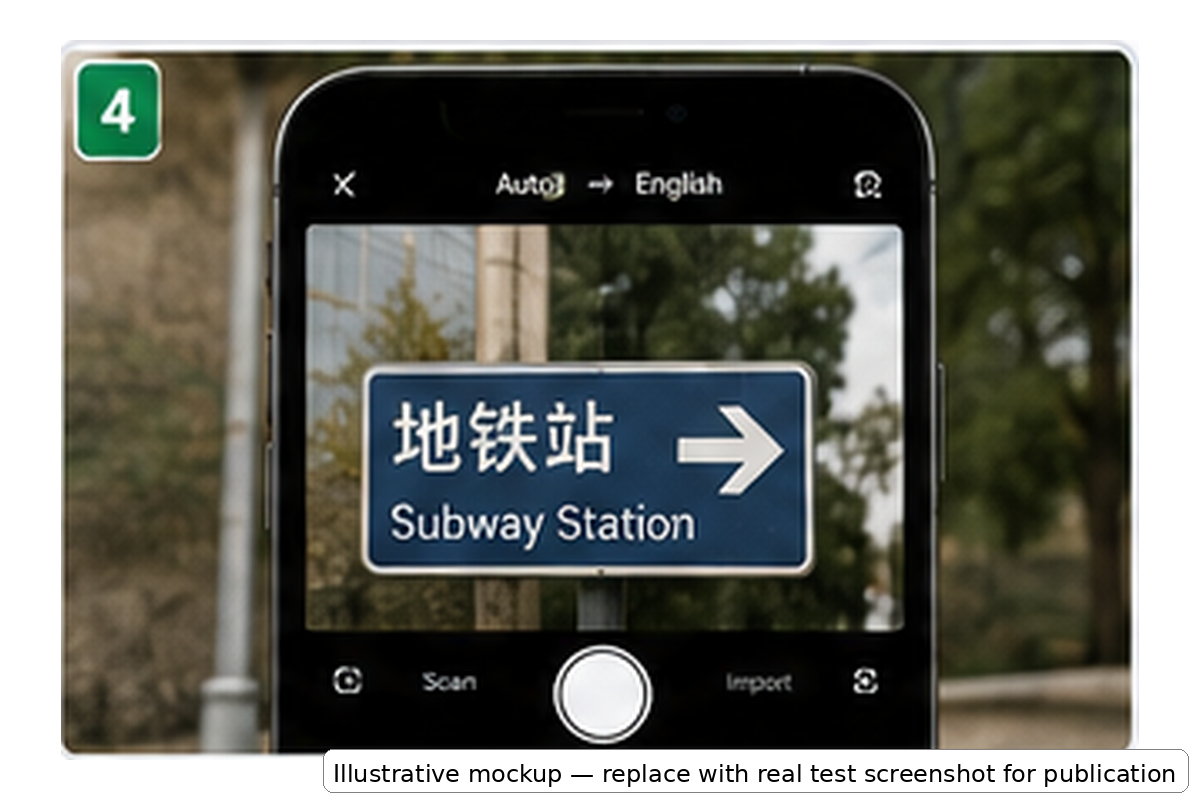
This is one of the best situations for an overlay-based translator.
Imagine that you are walking through a city and see a sign pointing toward a station.
You do not need:
-
a perfect design,
-
an editable image,
-
a downloadable marketing graphic.
You simply need to know where to go.
In that situation, speed is more important than layout editing.
Step 3: Translate an Existing Photo
You can also select an existing image from your phone.
This is useful for screenshots, photos sent by other people, or pictures that you took earlier.
What Happens After the Translation Overlay?
The biggest difference between image translation tools becomes visible after the translation is already readable.
For many users, the translation itself is only the first part of the job.
There are four common situations where an overlay may not be enough.
You Need to Correct a Translation
OCR and machine translation can make mistakes.
This is especially common with:
-
brand names,
-
dish names,
-
product names,
-
proper nouns,
-
small text,
-
decorative fonts,
-
unusual terminology.
If one sentence is wrong, you may want to correct only that text.
A finished image workflow becomes more useful when individual translated regions can be reviewed and edited.
You Need to Keep the Original Layout
Images often communicate information through positioning, not only words.
Consider a restaurant menu.
A customer needs to know:
-
which description belongs to which dish,
-
which price belongs to which item,
-
which dishes belong to the same category.
If translated text covers neighboring prices or descriptions, the translation itself may be correct while the overall image becomes harder to understand.
You Need to Share or Publish the Result
There is a major difference between translating an image for yourself and translating an image for someone else.
If you are preparing:
-
an e-commerce product image,
-
a restaurant menu,
-
a comic page,
-
a social post,
-
a presentation,
-
an instruction sheet,
the final translated image becomes part of the deliverable.
In that situation, how the translated image looks matters almost as much as whether the words are translated correctly.
You Need to Reuse the Image Later
An overlay may solve a five-second problem.
A reusable translated image solves a longer workflow.
That distinction is important when choosing between Yandex and a tool designed around exporting the final translated image.
Same-Image Test: Overlay Translation vs Layout-Preserving Translation
A useful way to compare image translation tools is to test the same type of image in both workflows.
Do not only ask:
Was the image translated?
Instead ask:
QuestionOverlay TranslationLayout-Preserving TranslationCan I understand the image?YesYesCan I correct one wrong sentence?LimitedBetter suitedCan I preserve the original visual structure?Depends on the imageDesigned for this taskCan I reuse the translated result?BasicBetter for finished outputIs it ideal for instant camera translation?YesUsually not the main purpose
Street Sign Test
Street signs are one of the strongest use cases for Yandex.
The original image usually contains only a small amount of text.
There are few complicated layout relationships.
You simply need to know what the sign means.
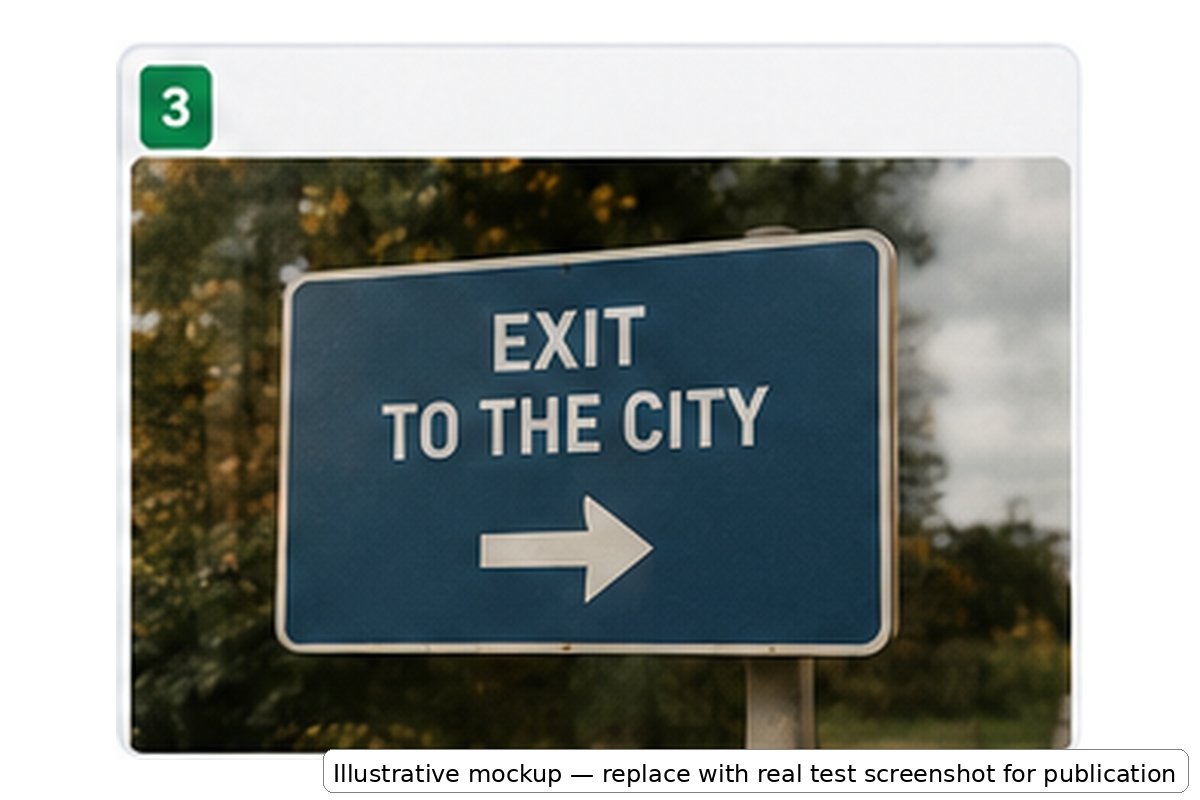
For this use case, Yandex is fast and practical.
Creating a polished reusable translated image would often be unnecessary.
Restaurant Menu Test
A restaurant menu is much more demanding.
The translation has to coexist with:
-
menu categories,
-
dish names,
-
descriptions,
-
prices,
-
food photos,
-
notes.
If translated text becomes longer than the original Japanese or Chinese wording, nearby content can become crowded.
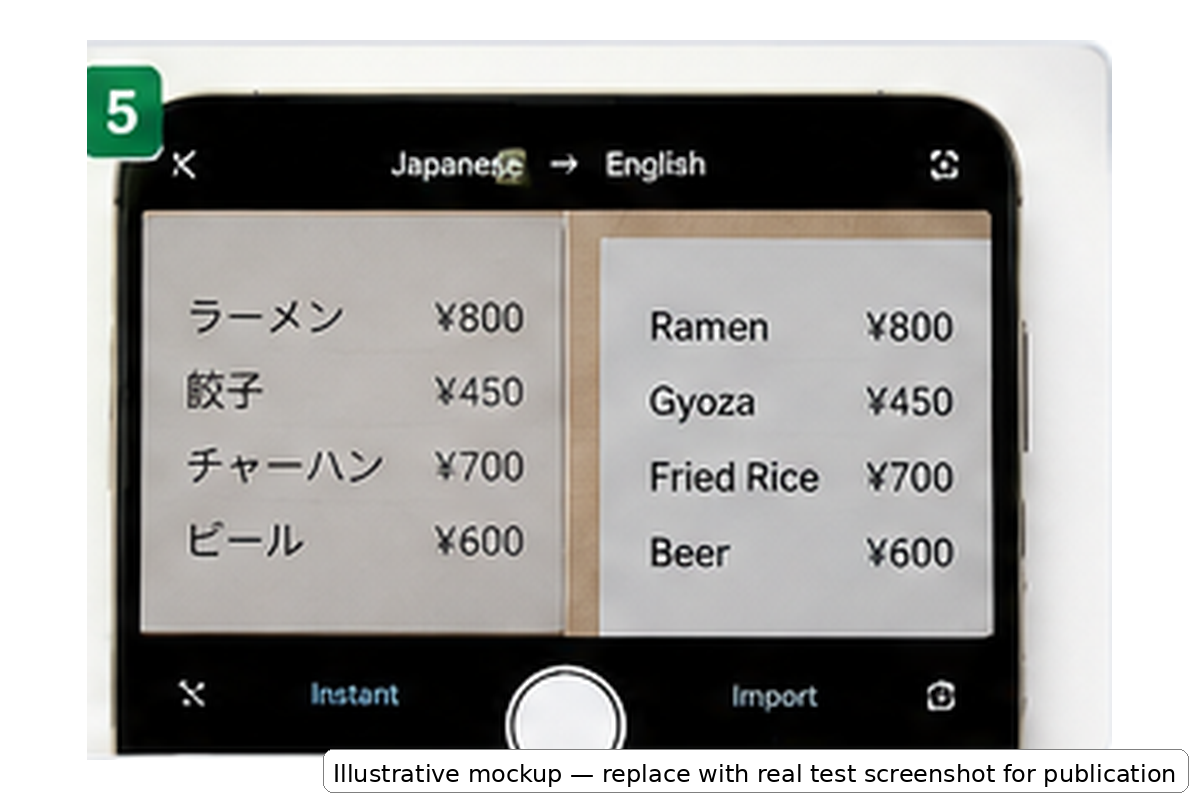
If you are sitting in the restaurant and simply deciding what to order, that may be perfectly acceptable.
But if you need a translated menu to keep, share, or publish, preserving the visual relationship between dishes and prices becomes much more important.
For that scenario, you can use the dedicated Transpic Menu Translator.
Chinese and Japanese Screenshot Translation
Screenshots are another common image translation use case.
Imagine a software interface containing Chinese text.
An image translator may successfully tell you what each section means.
But if your final goal is an English version of that screenshot, simply placing translation labels over the original interface can produce a cluttered result.
This is the difference between:
translation overlay
and:
layout-preserving translated output
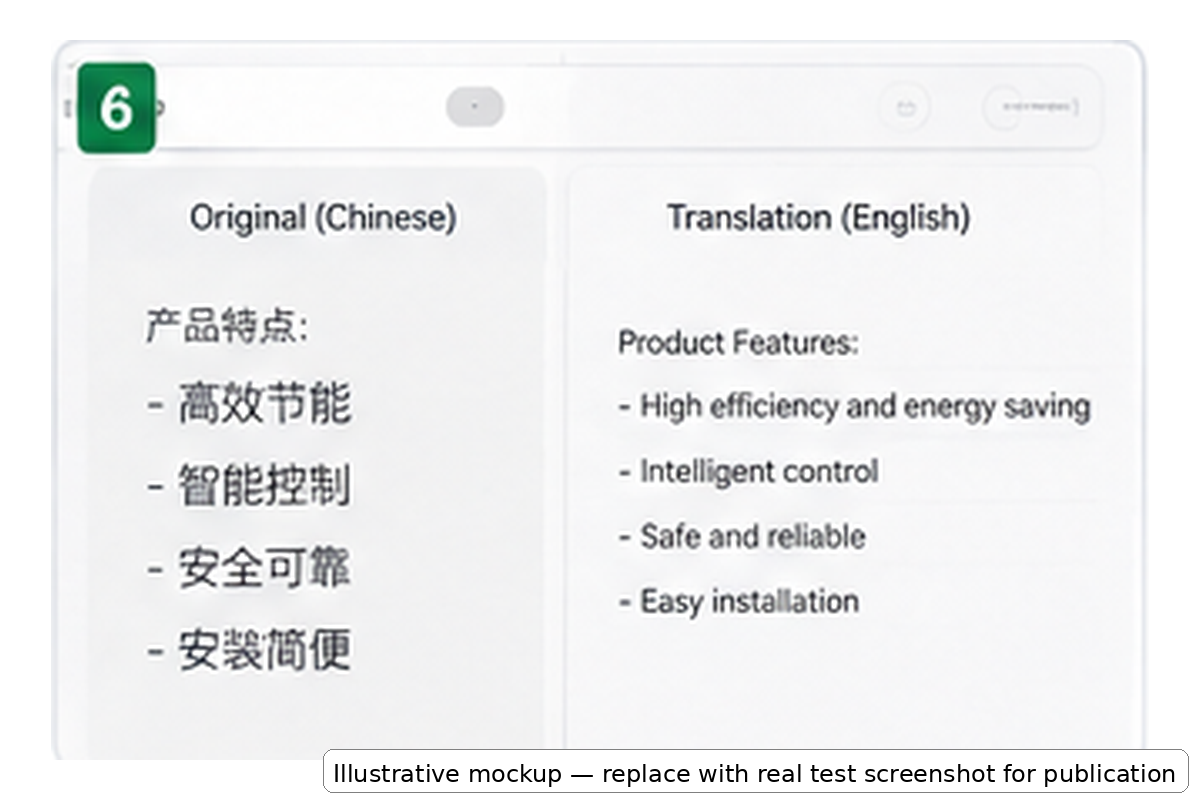
On the overlay side, the reader may see both the original Chinese words and English translation boxes.
On the layout-preserving side, the goal is for the translated English version to continue looking like the original interface.
If you regularly translate Chinese, Japanese, or other images into English, you can use Translate Image to English for this type of workflow.
Yandex Image Translate Limitations
Yandex remains very useful, but several limitations are worth understanding before deciding whether it fits your task.
Overlay Translation Is Best for Reading
Overlay translation is excellent when the goal is comprehension.
It is less ideal when the translated image itself is the final deliverable.
Downloading and Editing Are Different Tasks
A downloadable image does not automatically mean that every translated text region is editable.
If you need to review, change, and export individual translated areas, this becomes an important distinction.
Dense Layouts Are More Difficult
Menus, screenshots, comics, posters, and product graphics contain more visual structure than simple signs.
The more text regions an image contains, the more important layout preservation becomes.
OCR Quality Still Depends on the Original Image
Image translation quality can be affected by:
-
blur,
-
low resolution,
-
handwriting,
-
cursive text,
-
very small lettering,
-
unusual fonts,
-
complex backgrounds,
-
poor contrast.
Starting with a clear image usually produces better OCR results.
Mixed Languages Can Affect Recognition
Images frequently contain more than one language.
For example, an Asian e-commerce screenshot might contain Chinese text, English brand names, numbers, and product codes.
Check the detected language before assuming the translation system has failed.
When Should You Use Yandex Image Translate?
Yandex is a strong choice when you need to:
-
quickly understand a foreign image,
-
translate a street sign while traveling,
-
read a restaurant menu,
-
understand packaging,
-
check a screenshot,
-
translate an image already displayed online.
In these cases, the translation itself is usually the goal.
Speed matters more than producing a new visual asset.
When Is Transpic a Better Alternative?
A layout-preserving image translator becomes more useful when your goal is different.
Consider Transpic when you need to:
-
preserve the original image design,
-
review translated text,
-
correct mistranslations,
-
translate multiple text areas,
-
translate menus,
-
localize product graphics,
-
translate screenshots,
-
work with comics or visual content,
-
export a finished translated image,
-
reuse the translated result later.
The important difference is not simply:
Yandex vs Transpic.
It is:
instant understanding vs finished translated output.
If you only need to understand a street sign, Yandex may already solve the problem.
If you need the translated image itself to become a usable asset, the workflow is different.
A Practical Image Translation Workflow
You do not necessarily need to choose only one tool.
A practical workflow can look like this:
Need to understand an image immediately?
Use Yandex.
Need to create a reusable translated version of that image?
Use Transpic Image Translator.
For a general image, start from:
For screenshots, graphics, and other images where the final language must be English:
https://transpic.ai/translate-image-to-english
For restaurant photos and menu translation:
https://transpic.ai/menu-translator
FAQ
Is Yandex Image Translate free?
Yandex image translation can be used for many everyday image translation tasks without requiring a professional image localization workflow.
Whether it is sufficient depends more on what you need from the result than on the price.
If you only need to understand the image, an overlay may be enough.
If you need to edit and reuse the translated image, you may need another tool.
Can Yandex translate text inside a photo?
Yes.
Yandex can recognize visible text inside supported images and translate that text.
The translated content can then be displayed in relation to the original image.
Can Yandex translate screenshots?
Yes.
Screenshots are a common use case for image translation.
For mixed-language screenshots, check whether the correct source language has been selected.
Can I use Yandex to translate restaurant menus?
Yes.
For quickly understanding menu items while traveling, image translation is very useful.
If you need a translated menu where dish names, descriptions, and prices remain clearly associated, use a layout-oriented menu translator.
Can I download a translated image?
Depending on the current desktop workflow, Yandex may provide an option to save the translated result.
However, saving the result and editing the translated text are different capabilities.
Can I edit incorrect translations?
If editing individual translated regions is an important requirement, an image translator designed for editable and reusable output may be more suitable.
You can use Transpic for that workflow.
How can I translate an image into English?
Upload the image, select or detect the original language, and choose English as the target language.
If you need the finished English image to preserve the original structure, use Transpic Translate Image to English.
Is Yandex or Transpic better?
Neither is universally better.
Yandex is particularly useful for fast understanding and camera-style translation.
Transpic is designed more around creating a translated image that can continue through an editing, sharing, publishing, or localization workflow.
Final Verdict
Yandex Image Translate is a useful tool for quickly understanding text inside images.
Its strongest use cases are situations where speed matters: street signs, menus, screenshots, packaging, travel photos, and casual translation.
For those jobs, an image overlay can be exactly what the user needs.
But translating the words inside an image and producing a finished translated image are two different tasks.
When you need to preserve the design, correct a translated sentence, keep the relationship between text and visual elements, and export a reusable result, the image translation workflow needs to go further.
That is where Transpic Image Translator becomes the more appropriate next step.
Use Yandex when you need to understand the image.
Use Transpic when the translated image itself needs to become the finished result.
Yandex is a trademark of its respective owners. This guide is an independent review and is not an official Yandex page.